Expired Subscriptions
After a trial or paid subscription has ended, your organization will have an expired subscription. Access to Swagger products is limited for users in this state. Any users or resources over the limits for an expired subscription will be blocked; see Locked Users for more information. To purchase a subscription, refer to Self-Service Subscriptions, or contact Sales.
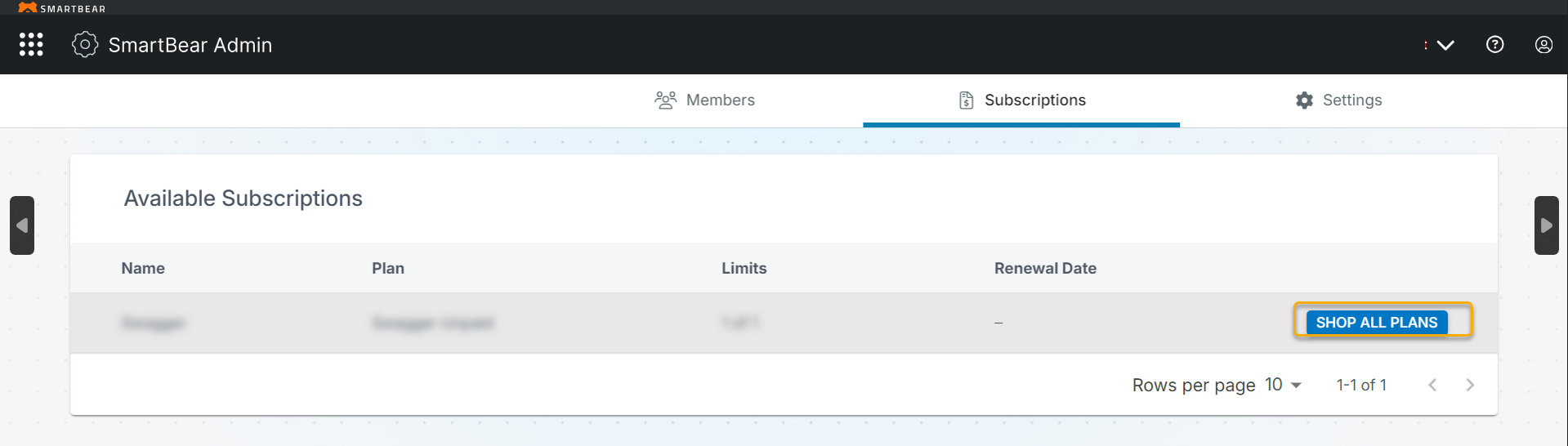
Click the Shop All Plans option on the member page to purchase a new subscription. You are navigated to the pricing page. In the Choose your Country dialog box, select the country from the list, and click Confirm.
Note
Your selected country determines the appropriate regional settings and service configuration. Once you select a country and confirm, you cannot change it.
Select and purchase the best plan based on your needs. The pricing page lists subscription options, adding users, pricing, features, and billing options.