Exporting Test Executions
You can export test executions in one of the supported formats:
-
PDF
-
HTML
-
Word
To export test executions, do the following:
-
Click Test Execution in the menu on the left, click a folder in the tree of test executions, select the check box next to each test execution you want to export, and click Export:
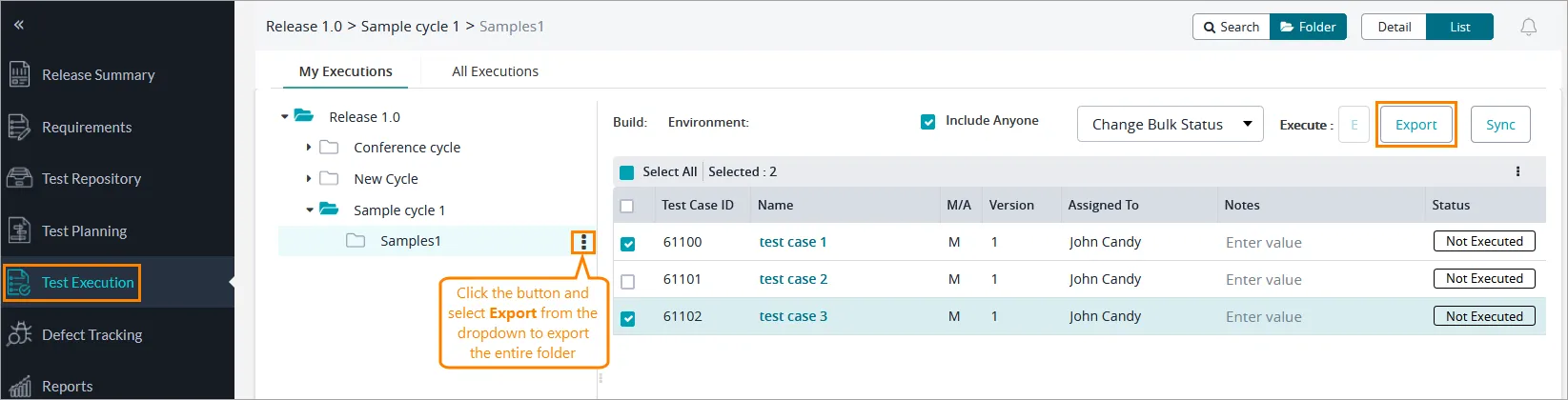
If you want to export an entire folder or release, click the
 button next to the folder and then select Export from the dropdown menu.
-
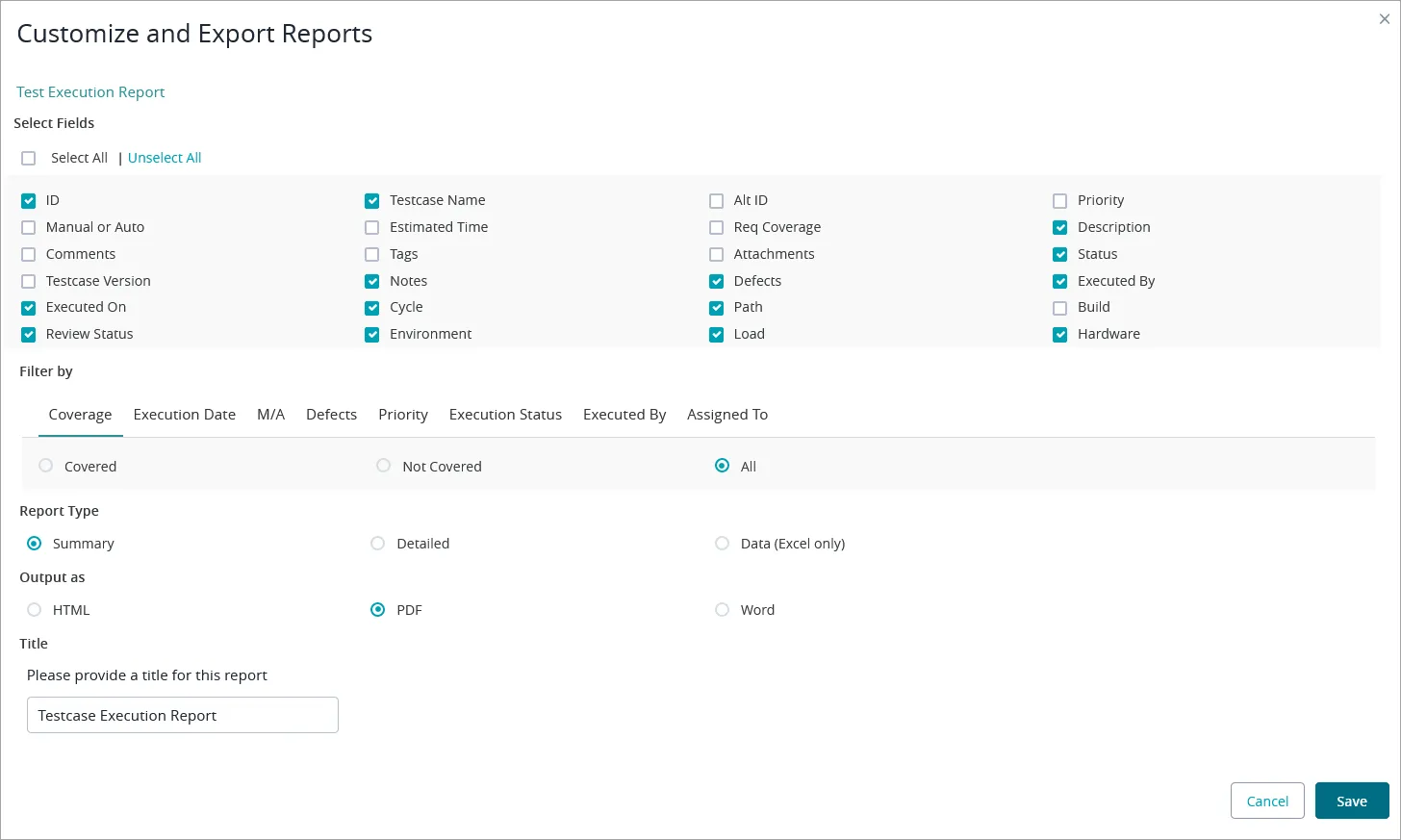
In the subsequent dialog, select the fields whose values you want to export, specify the report type, the output file, and a title for your report.
-
The maximum number of rows in exported Excel sheets is 1,048,575.
-
If a file is attached to your test execution, the exported file will contain a clickable link to the attachment.
-
The default name of the exported report is Testcase Execution Report.
-
-
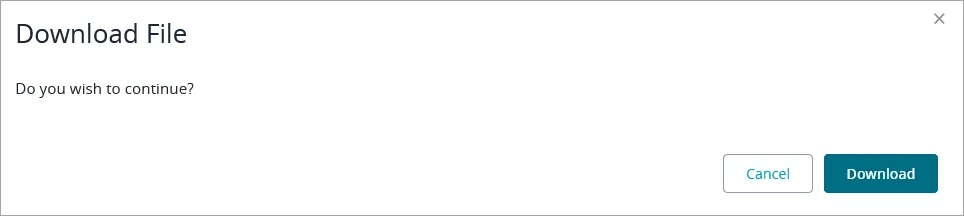
Once done, click Save, and then Download in the Download File dialog.