
Jira Integration SSL Troubleshooting
Problem: If you find this Error while integrating with the Zephyr Enterprise.
javax.net.ssl.SSLHandshakeException: sun.security.validator.ValidatorException: PKIX path building failed: sun.security.provider.certpath.SunCertPathBuilderException: unable to find valid certification path to requested target
Steps must be followed to Import the Jira certificate to the Zephyr Enterprise Server
-
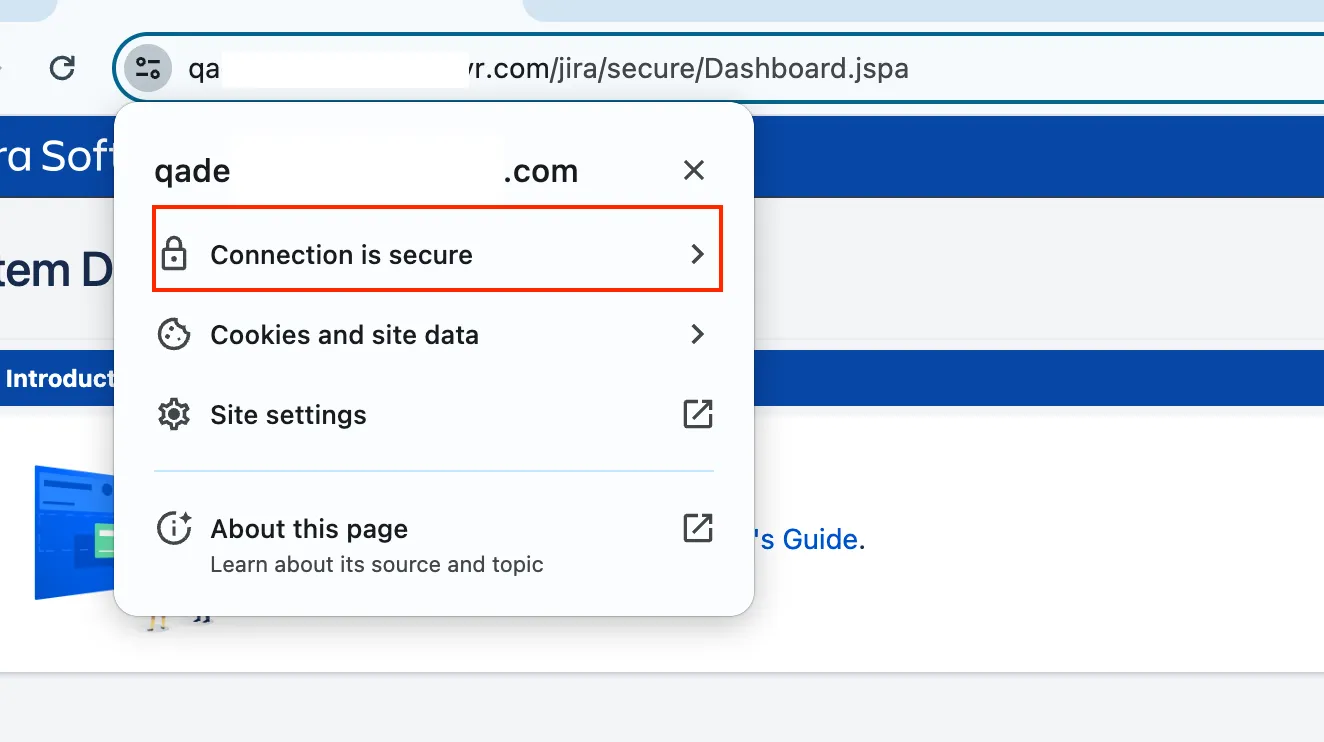
Launch your Jira in the Browser and Download the certificate from the browser.


-
Give any file name and select Finish. This should export your certificate in a .cer file.
-
This Jira SSL Certificate must be imported to the JAVA trust store of the Zephyr Enterprise server.
-
If the instance has more than one Java version installed:
-
To which version the JAVA_HOME path is set
-
Check which java classpath version is picked up by the Zephyr tomcat application from the thedinc.log

-
If it is a different version, update the JRE_HOME path in the environment variables and then restart Zephyr.
-
Please verify whether the Zephyr Tomcat application is picking the right Java classpath version, which is the one JAVA_HOME is set to.
-
-
Navigate to the jre/bin
keytool -import -alias <new_unique_alias> -file <any_filename_here_from_above> -keystore <path/to/truststore>The
keytoolis provided with the Java Runtime Environment (JRE). If you’re using a product with a bundled JRE, you can find keytool in<product-install-path>/jre/bin/keytool.Please import the JIRA certificate to both the JDK and JRE location of the Zephyr Server:
Example:
-
C:\Program Files\Java\jdk17.0.x_xxx\jre\lib\security location
-
C:\Program Files\Java\jre17.0.x_xxx\lib\security location
After importing the JIRA certificate to the Zephyr Server’s Java trust store, please restart the Zephyr Service. Then, proceed with testing the JIRA integration.
-
Steps must be followed to Import the Zephyr certificate to the Jira Server
-
Launch your Zephyr in the Browser and Download the certificate from the browser Same as shown above.
-
Zephyr certificate should be imported to the Java truststore of their Jira Server.
-
Open the terminal < go to Jira Java location Example:- “/opt/atlassian/jira/jre/lib/security” location.
-
Navigate to the jre/bin
keytool -import -alias <new_unique_alias> -file <any_filename_here_from_above> -keystore <path/to/truststore> -
Once the certificate is imported to /opt/atlassian/jira/jre/lib/security folder under cacerts location, restart JIRA Service.