
Delete a Group
-
Go to Administration > Group Setup.
-
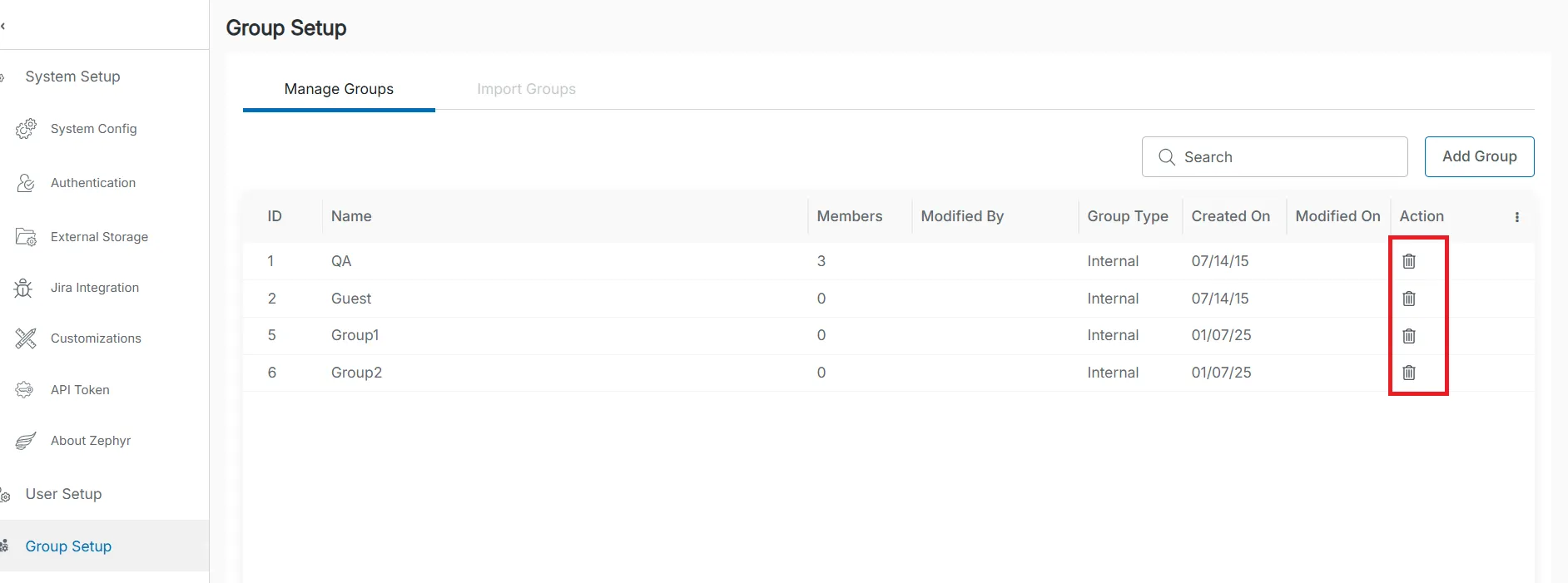
Click the trash icon next to the group you want to delete.
-
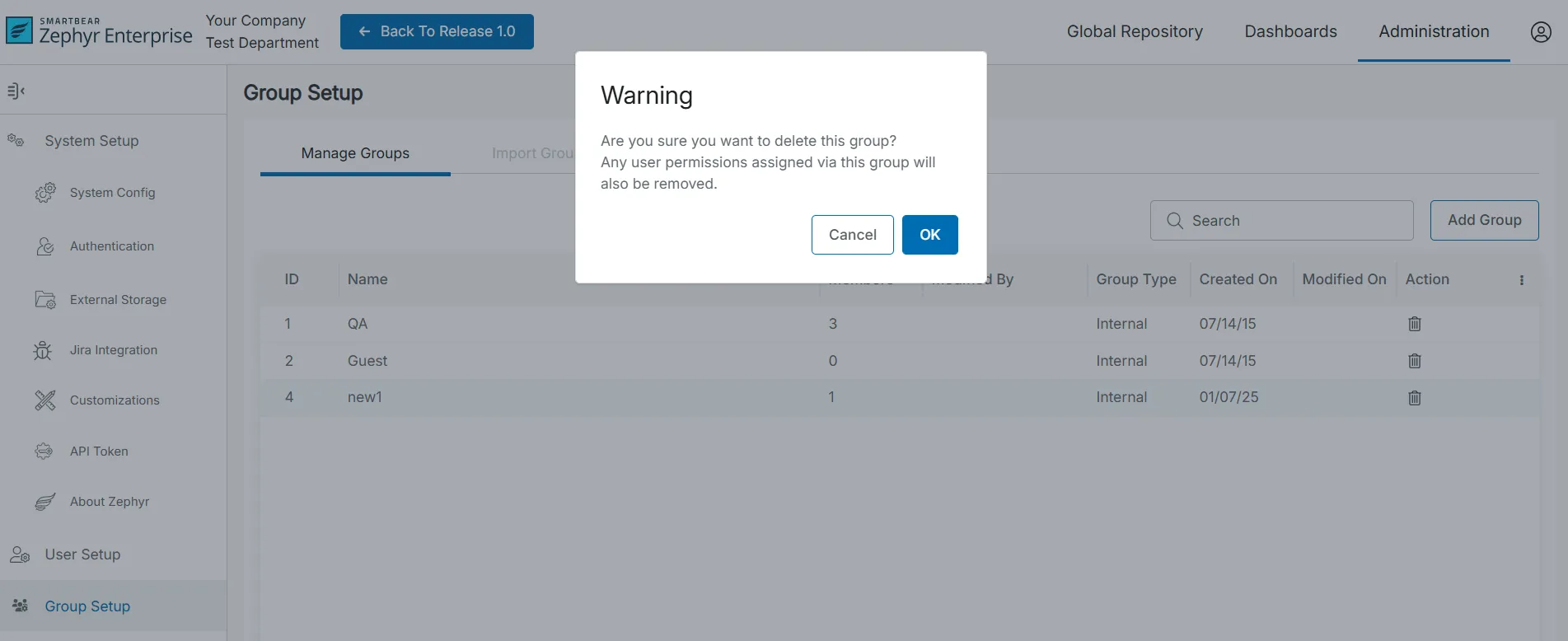
In the confirmation message that appears, click OK.
Go to Administration > Group Setup.
Click the trash icon next to the group you want to delete.
In the confirmation message that appears, click OK.
Was this page helpful?
Thanks for the feedback.
Still stuck? Open a case