
Customization
In this tab, you can change the predefined values you specify in the required Priority and Status fields when creating or updating a defect:
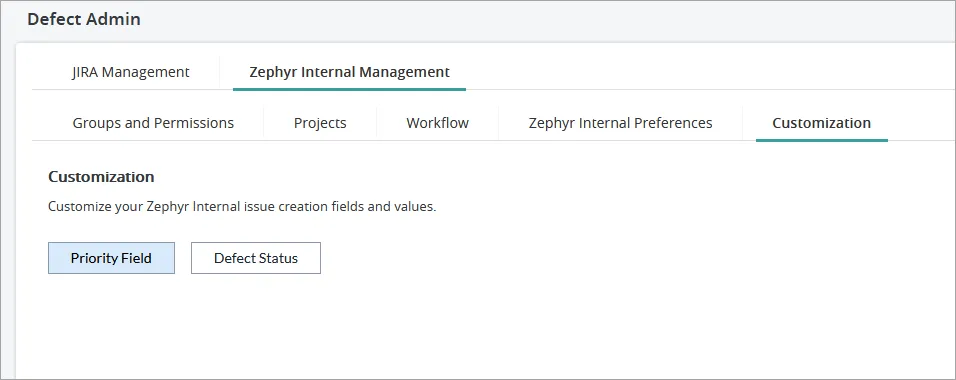
To update a value of the Priority field:
-
Click Priority Field.
-
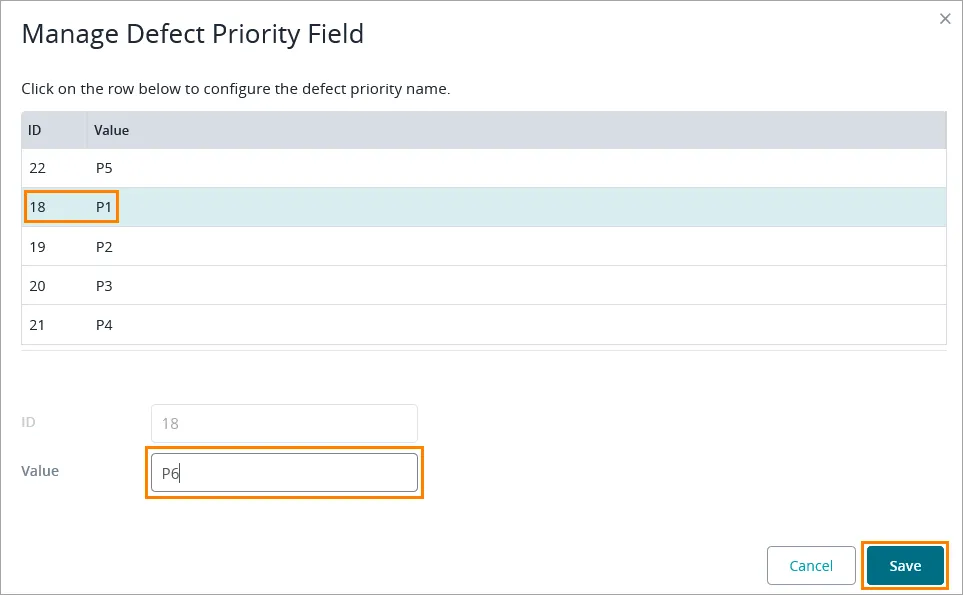
In the subsequent dialog, click a value in the table, change it in the Value field, and click Save:
-
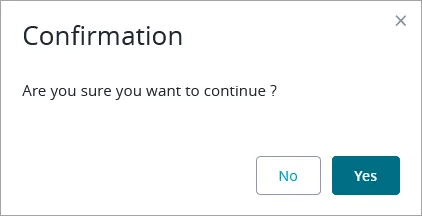
Click Yes in the Confirmation dialog:
To update a value of the Status field:
-
Click Defect Status.
-
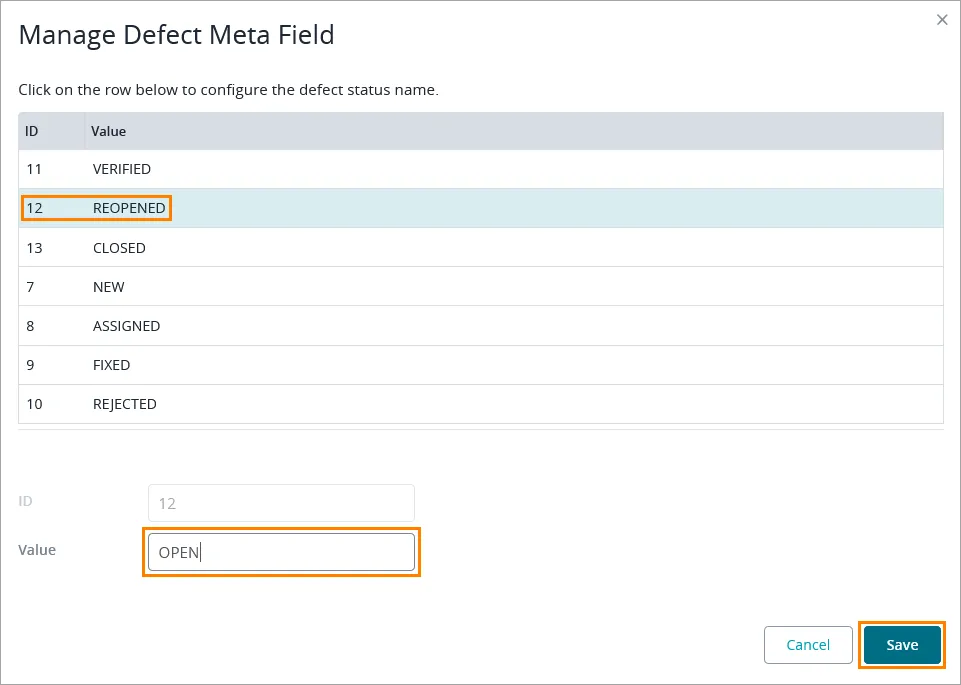
In the subsequent dialog, click a value in the table, change it in the Value field, and click Save:
-
Click Yes in the Confirmation dialog: