
Cloning a Requirement
Cloning Requirements
-
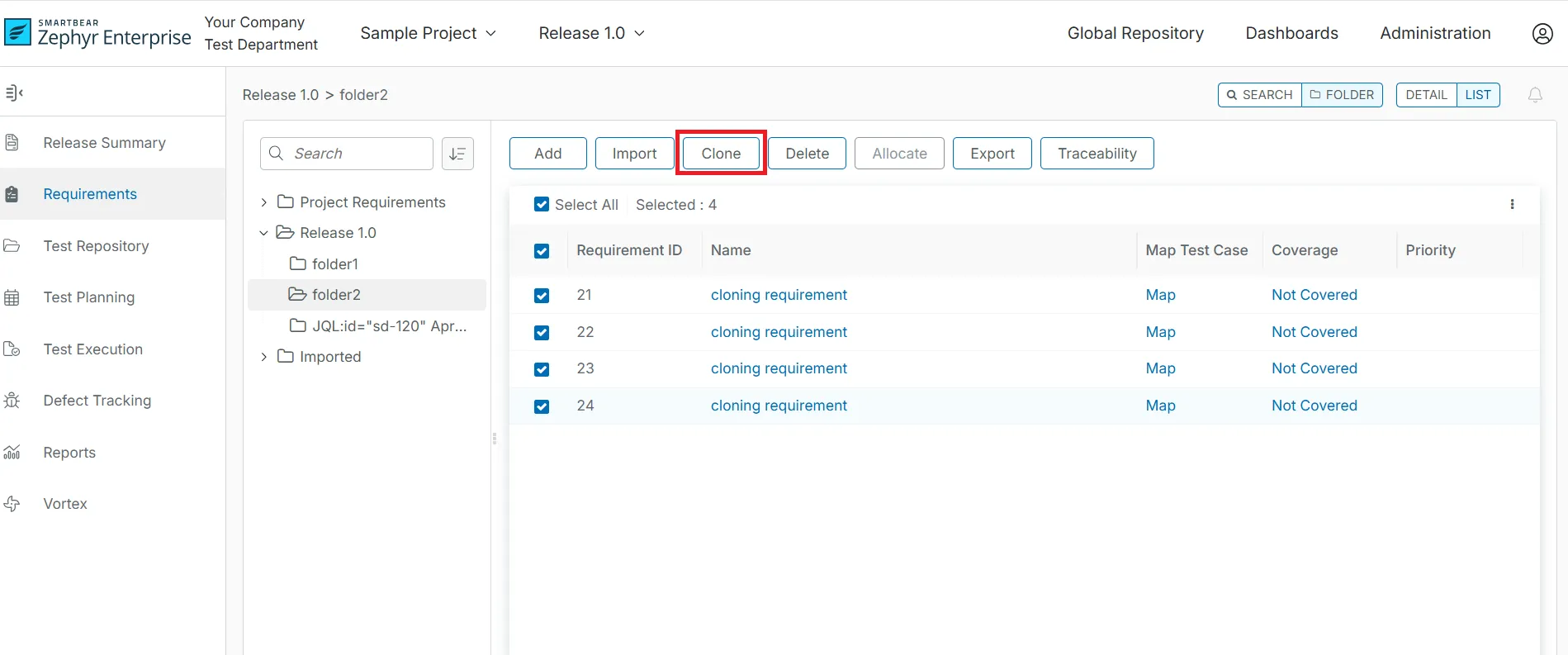
Select/check off any of the requirements that you want to clone on the left hand side of the table.
-
Once you have your selected requirement(s) to clone, click the “Clone” button at the top of the table.
-
You can view the newly cloned requirement(s) added to the bottom of the table and make any additional edits to the cloned requirement(s) if you want to change it.
- The cloned requirement(s) copy the exact fields from the selected requirement(s).