
Editing a Requirement
Editing Requirements
-
Click on the individual requirement that you want to edit in the table.
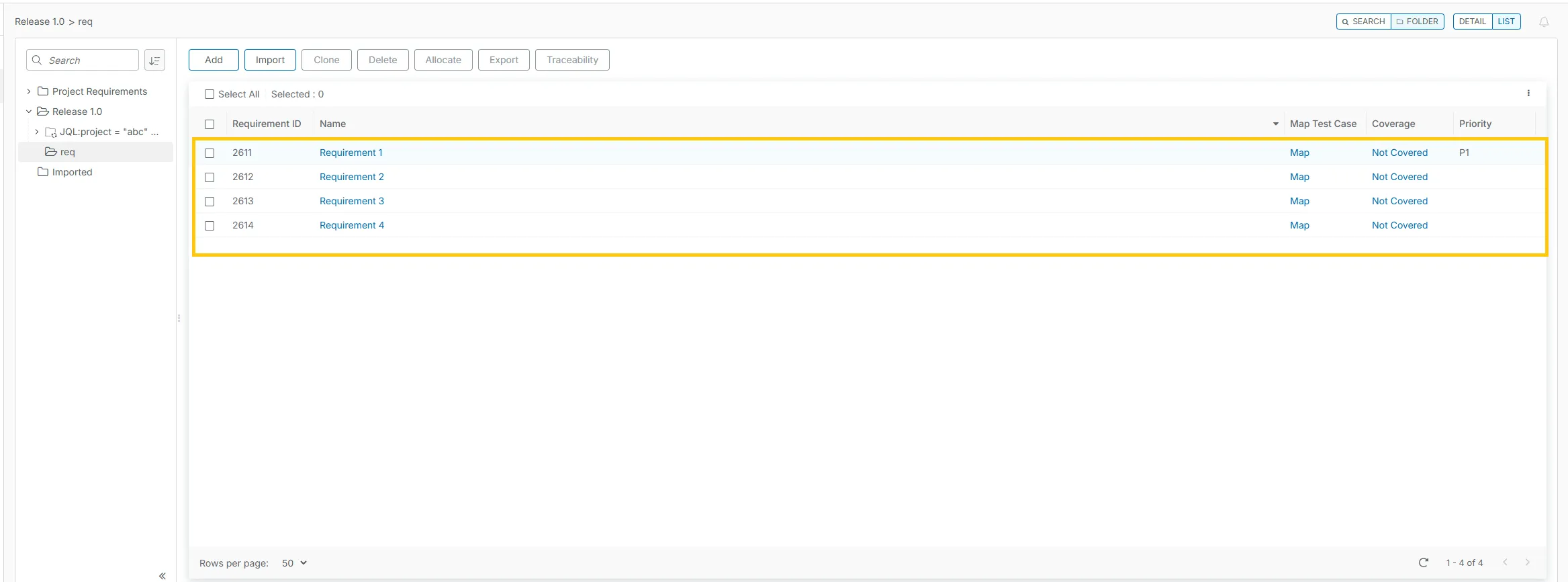
-
You can change any of the fields once you click on the existing requirement.
-
Feel free to change the name of the requirement, the description, the priority level, add any attachments or change the mapping of the test cases.
Once you edit or change a field, Zephyr will automatically save your change.
-
-
After changing/editing any of the fields, click on the “Save” Button to finalize any changes.