
Deleting a Project
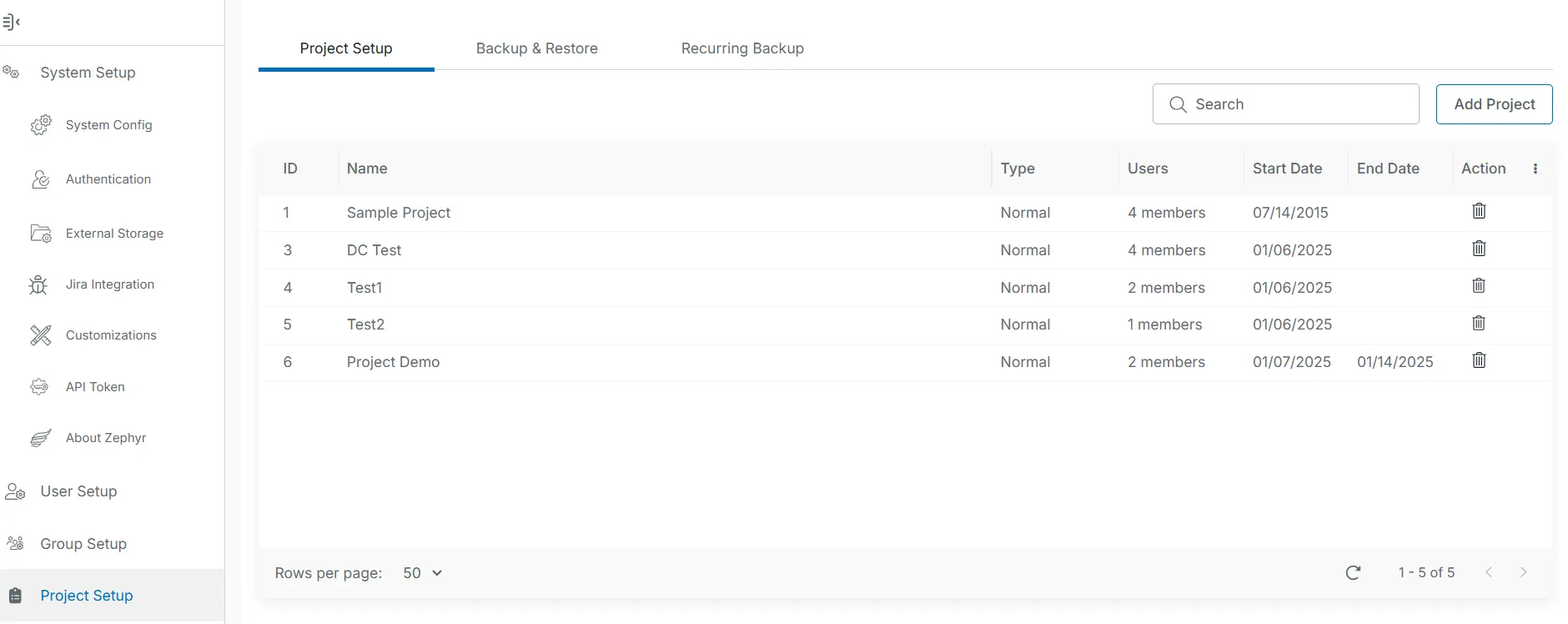
To delete a project, do the following:
1. Click the  icon for the project you want to delete:
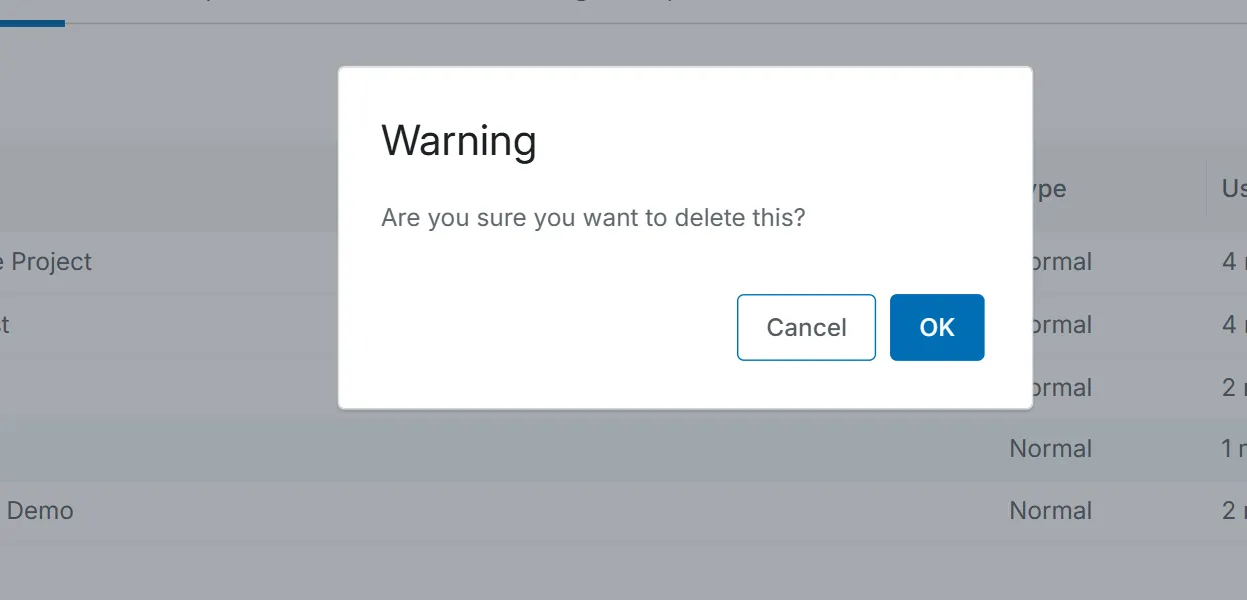
2. A warning will pop up. Click OK.
3. Another warning will pop up. Click Delete:
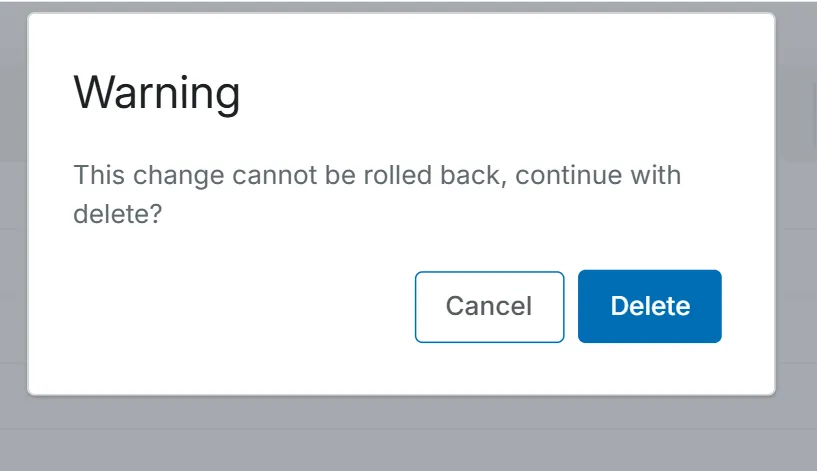
If you delete a project, there is no way to get it back.