
Customize Gadget Refresh Rate
By default, the gadget refresh rate for all Zephyr gadgets is set to 15 minutes. This default can be changed through this customization for the gadget refresh rate. By changing the default gadget refresh rate
As an Administrator, access the Administration section of Zephyr, and select the Customizations tab. Now select the Gadget Refresh button in the Dashboard and Report section.
- The Gadget Refresh Rate dialog allows you to change the default estimated time.
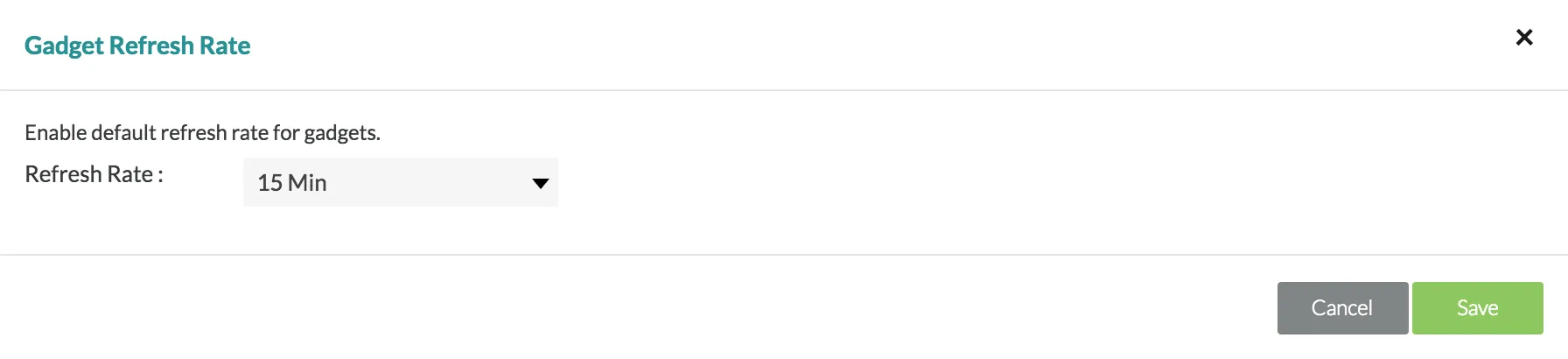
This change becomes effective when the user logs in the next time. We recommend re-logging back into Zephyr. This will apply to all users using dashboards in Zephyr.