
Assigning Test Executions
In the same process where you add in tests into a cycle, you can assign the tests to a tester (as shown by the assign to dialogue). Moreover, by navigating to the “Search Test Execution” you can search for the test execution through both the basic and advanced search functionality. Once you have the test executions you want, you can multi-select the test cases and bulk assign to a tester by using the tools menu option located in the top right of the screen.
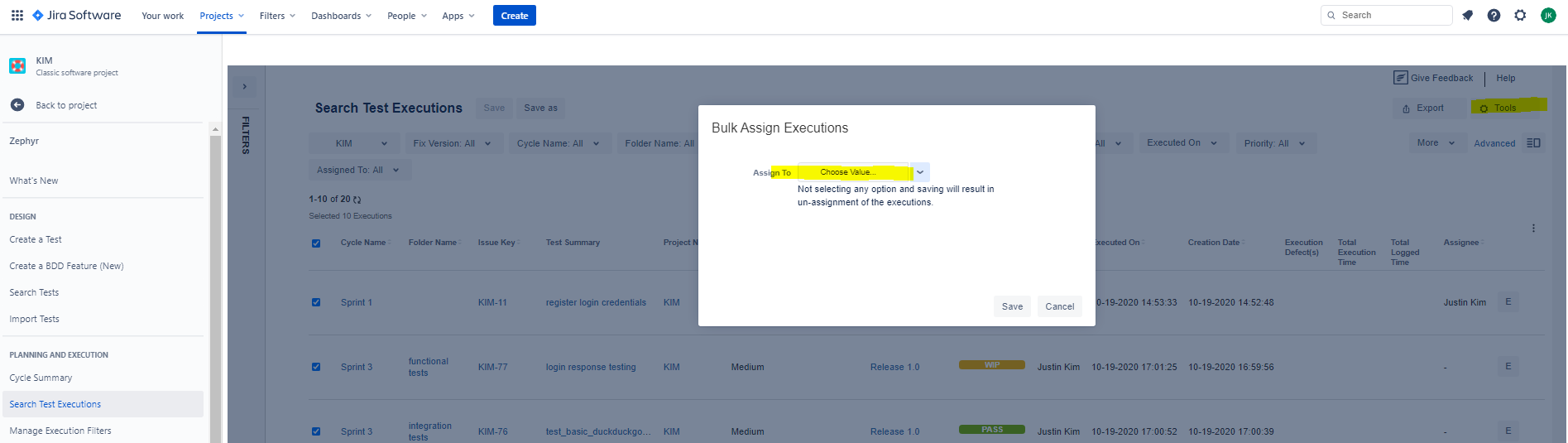
Additionally, you can save these criteria as a test execution filter for later use, by using the save as button located above the search query dialogue.