Project Level Custom Fields
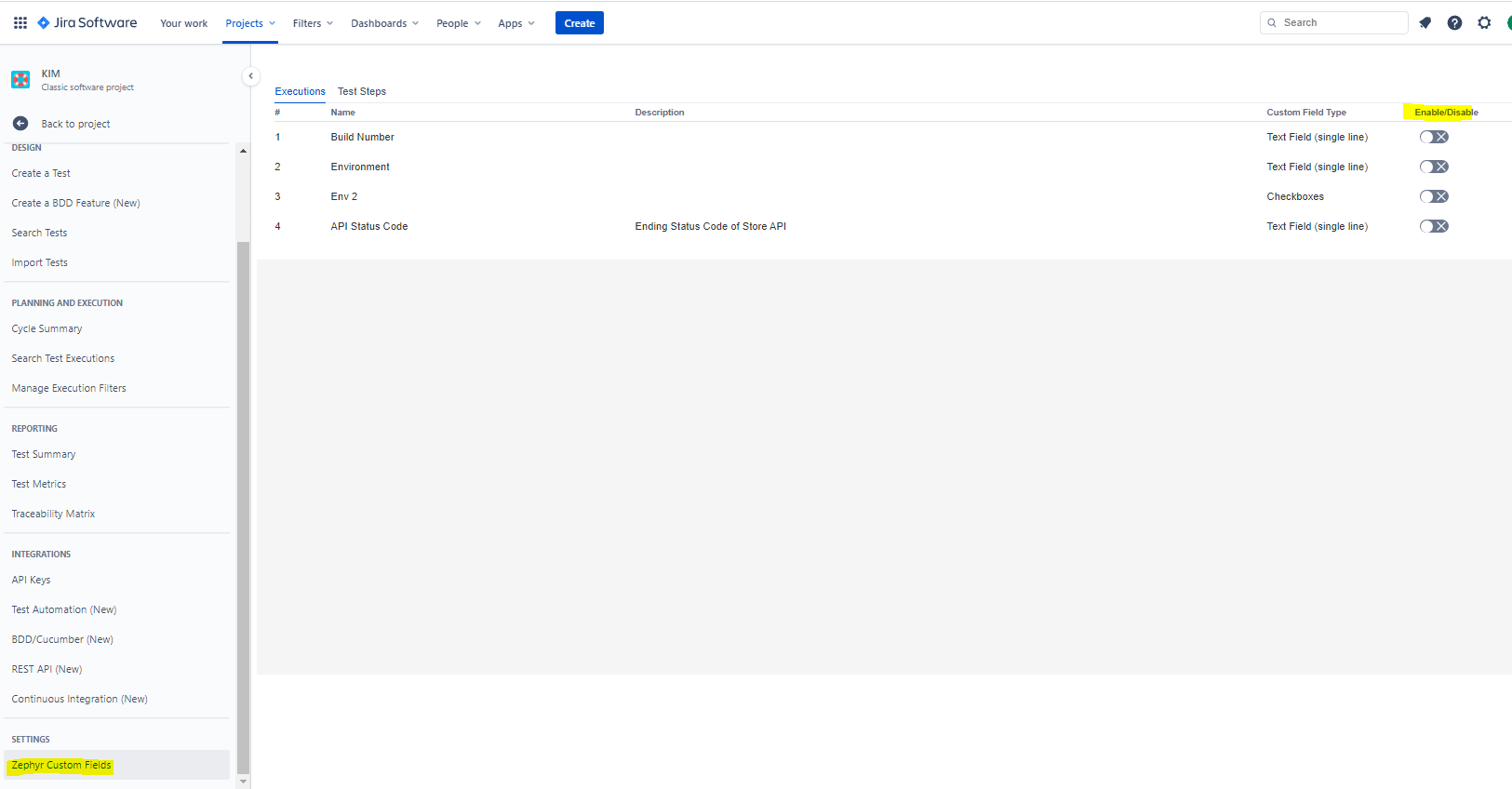
Project level custom fields are essentially using the global custom fields which are then enabled and disabled for specific projects. You can control this by navigating to ‘Zephyr Custom Fields’ panel located at the bottom within the Zephyr left navigation panel within your projects.
- Enabling a custom field allows users of the project to utilize the custom fields selected.
- Disabling a custom field simply hides the custom field and doesn’t allow users to use the field in the project. Disabling a custom field does not remove the data but essentially “hides” the data.
- Note: If you want to completely remove the custom field and delete all the data along with the custom field, you must delete the custom field on a global level as an administrator.