General Configuration
General configuration
As a Jira Administrator, you can navigate to Zephyr General Configuration through ‘Settings > System’ or by searching for the term within the ‘.’ shortcut menu.
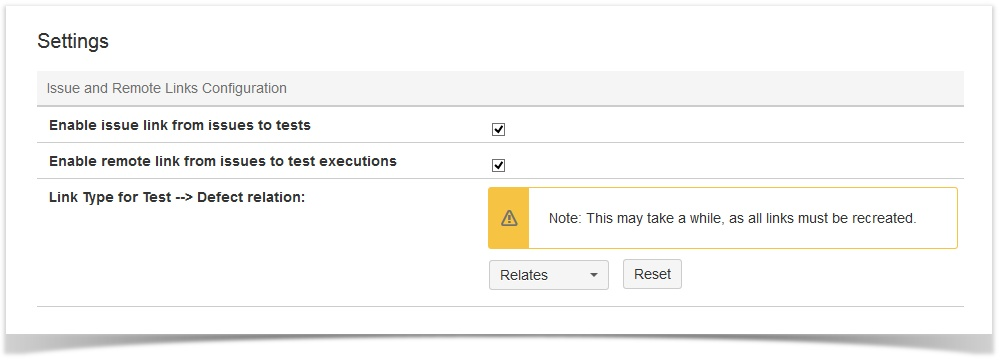
First, Links between Tests and other issue types can be enabled or disabled from here. You can also establish a remote link between a test execution and an issue. These are turned on by default.