Test Repository
To Clone Test Cases Select/check off any of the test cases that you want to clone on the left-hand side of the table. Once selected, simply click the “Clone” button at the top of the table. You can view the newly cloned test case added to the bottom of the table and make any additional edits to the cloned test case if you want to change it. The cloned test cases copy the exact fields from the selected test case.
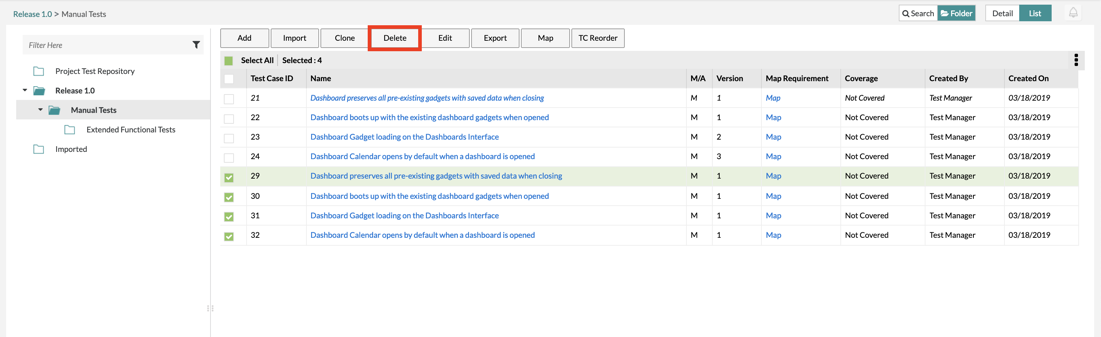
To Delete Test Cases select/check off any of the test cases that you want to delete on the left-hand side of the table. Once selected, simply click the “Delete” button at the top of the table. There will be a pop-up that asks the follow: “Continue with deleting testcase(s)?” Simply click on the “Delete” button and the test case will be removed from the system.