Backup and Restore
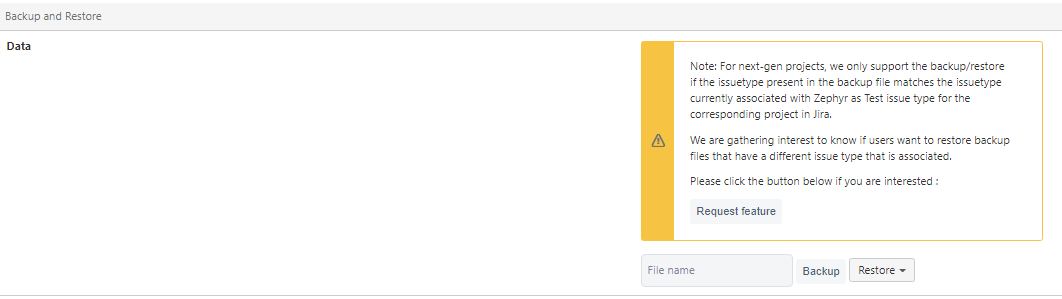
Zephyr for Jira Cloud’s data can be backed up and restored at a different time. Enter a file name, click on the “Backup” button and a backup file is created which you can then download and save. Similarly, select one of your backed-up files to restore. Please note that restoring a previous backup will overwrite existing data.