Adding Tests
From the Cycle Summary page, once you have a cycle that you’d like to add tests into, select ‘Add Tests’. Here you can explore the three ways in which you can plan out test cases for execution during any cycle. As you add the test cases, you can assign it to a tester, you may also do this individually for more control within the cycle summary view.
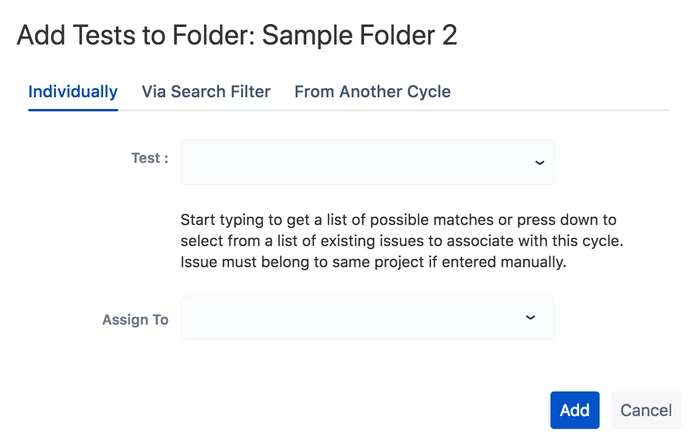
1.Individually: add the ID of the test(s) and these then get added to the Test Cycle. If you do not know the issue ID, you can start typing keywords in that box and a list of possible matches willbe shown, from which you can select your test(s).
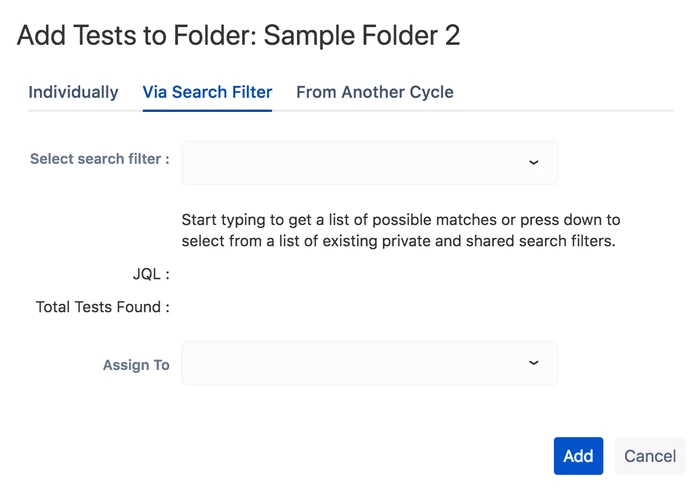
2.Via Search Filter: Use JIRA’s saved search filters. In the Issue Navigator, you can create and save your search filters. This list of favorite filters is now shown in a drop-down and on selecting that filter.
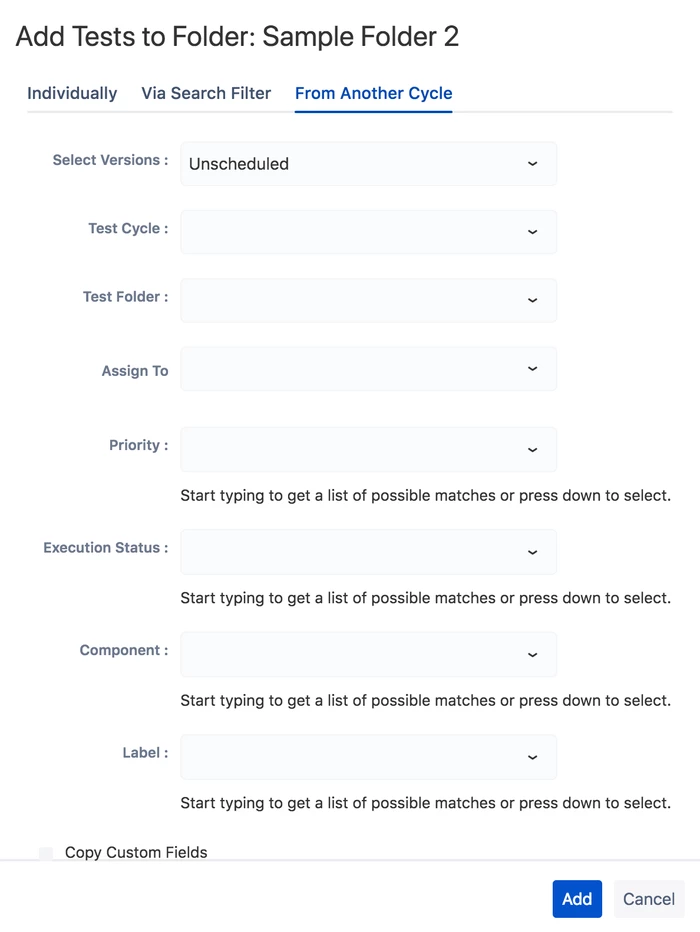
3.From another Test Cycle: If you want to copy a group of tests from a previous test cycle that meet certain criteria, then this dialog provides the options to allow you to do that. For example, if you want to rerun a certain number of previously run test cases based on their previous execution statuses, you can filter for such and plan them for execution during your current cycle and phase.