Project Setup
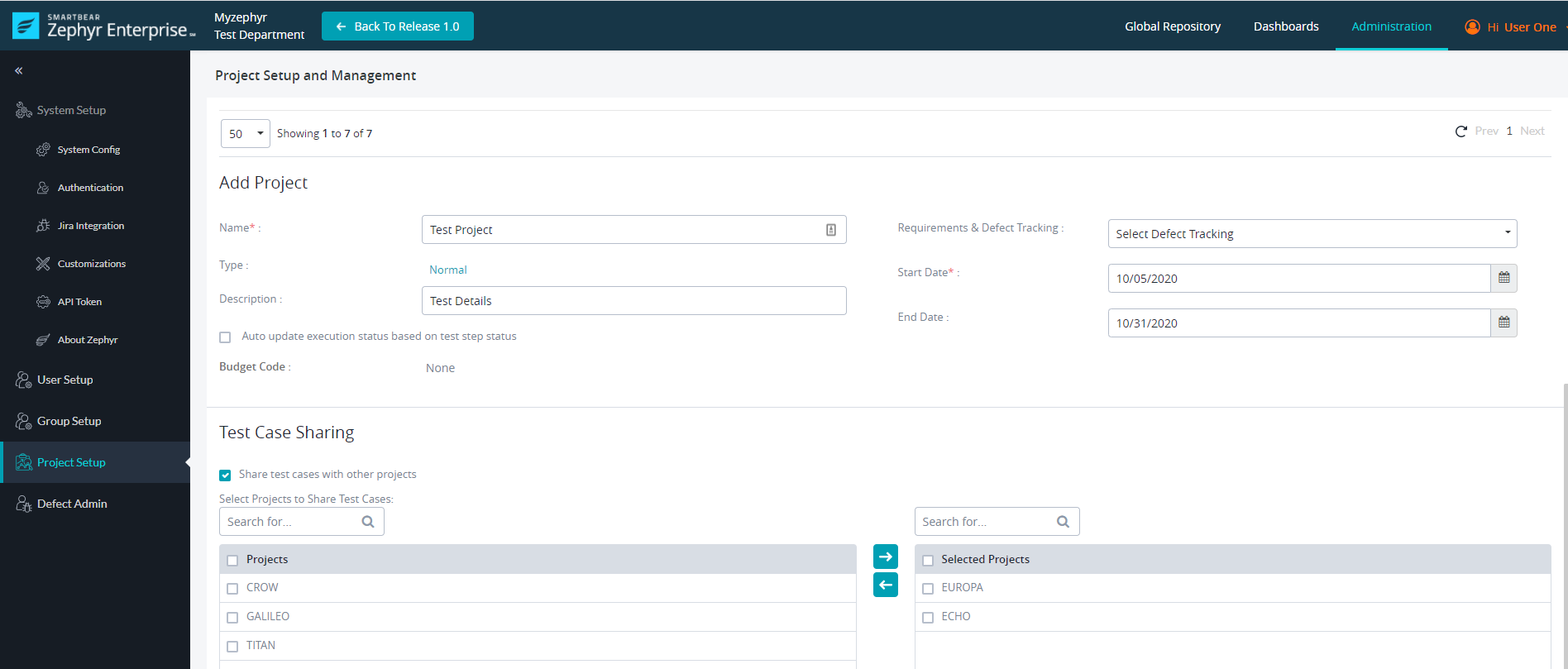
The groups you create will appear in Project Setup. A project consists of releases, requirements, test cases, test executions, and defects that exist within the system for testing. Managers can add, edit, and delete additional projects to the system which includes the following fields and options: Name, Start Date, and other optional fields. When adding and editing projects, managers can allocate users to specific projects to work on as well. You select the type of Defect Tracking system you want for a project using the ‘Requirements and Defect Tracking’ drop down field.
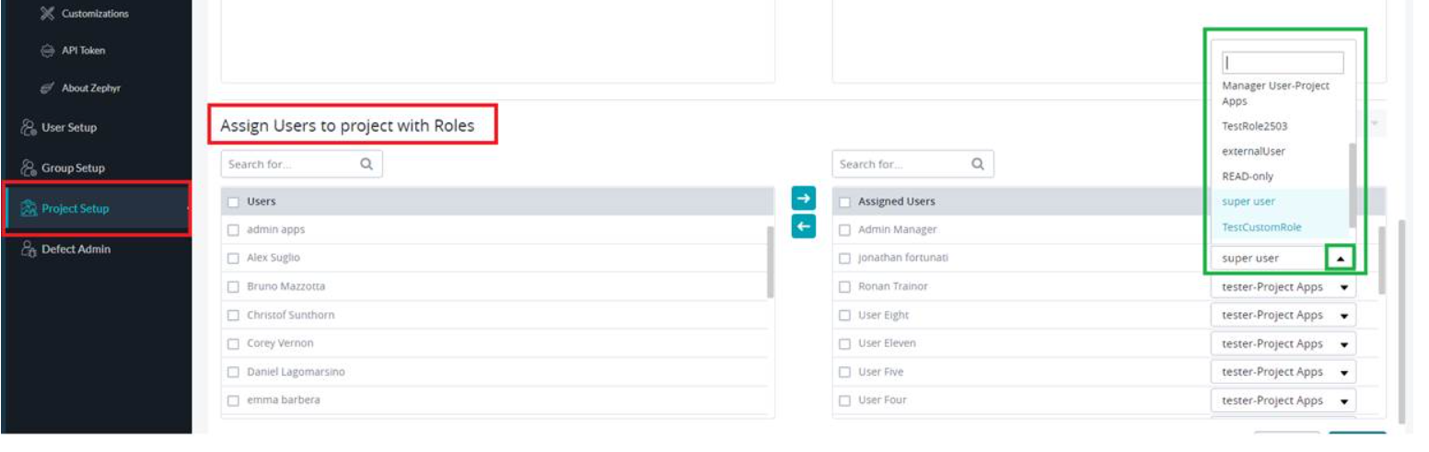
Any custom roles you have created will be available for assignment in the ‘Project Setup’ tab in the Administration section. Your new custom role will be available for selection in the dropdown highlighted in green below.