
Zephyr Upgrader is failing in the upgrade mode
Problem
Zephyr Upgrader is failing in the upgrade mode
Solution
If the upgrader is showing following error when run in the upgrade mode

Please do the following
- Run upgrader.
- Select upgrade mode and click next only once
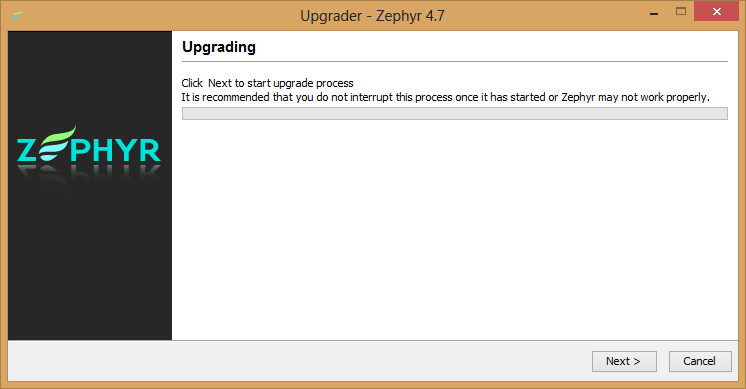
- Don’t click next again. Upgrader will wait.
- Open file <Zephyr_installed_directory>/backup_restore/upgrader/4.6/4.6-sql.xml
- Change value from 0 to 26 in line number 504.
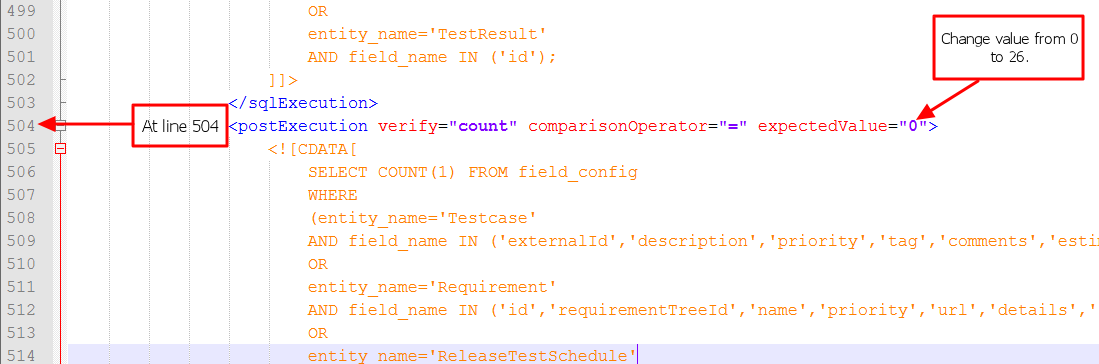
Use NotePad++ (a programming editor) to edit this file. Don’t use Windows’s built-in notepad. - Click next on upgrader.
It will continue and upgrade the data.