
Edit and Delete Test Plans
Editing Test Plans
-
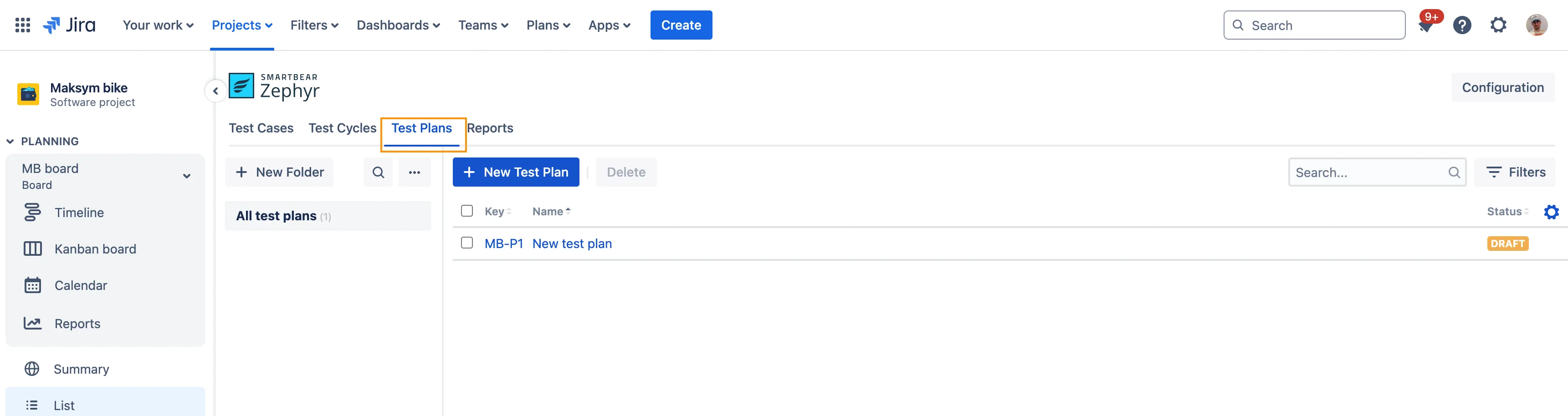
Go to the Test Plans view.
-
Click a test plan’s Key or Name link.
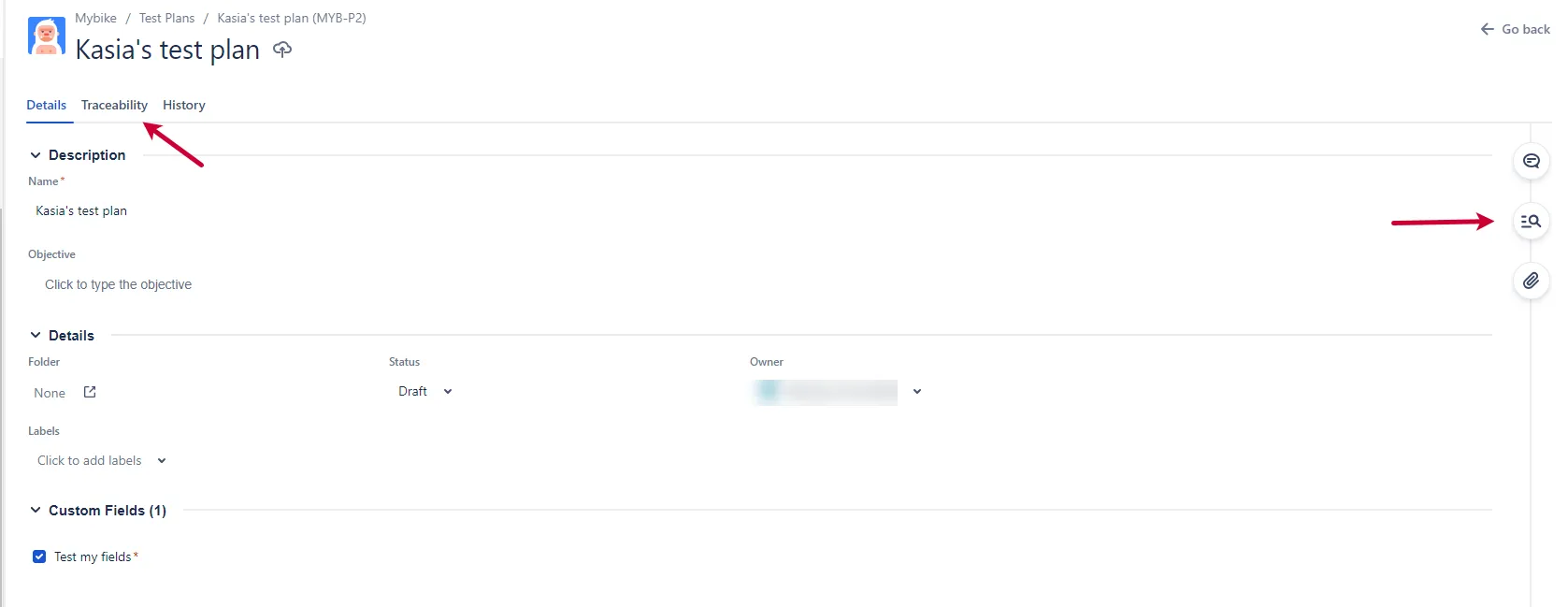
The test plan opens to the Details tab, where you can make updates. Click to different tabs to update additional information. You can add/remove test cycles to/from the test plan on the Traceability tab or from the side menu.
-
Click Save when you’re finished editing.
Deleting Test Plans
-
Go to the Test Plans view.
-
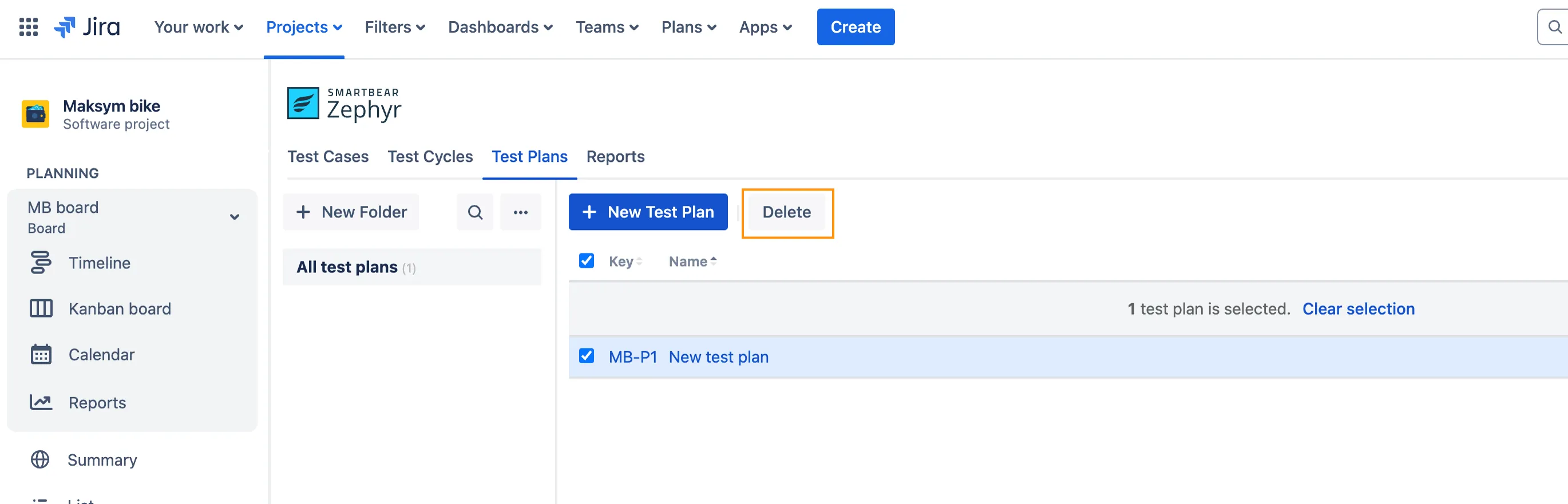
Select the test plan(s) you want to remove, then click Delete.
Please note, the following content is for the new experience of Zephyr Cloud. For documentation on the legacy experience of Zephyr Squad Cloud, please visit thelegacy Zephyr Squad Cloud docs. If you are unsure of your version, check the guide orcontact our support team.