
Locate the Configuration Settings
To access the configuration settings, click the Ellipses icon in the upper-right corner of any screen.
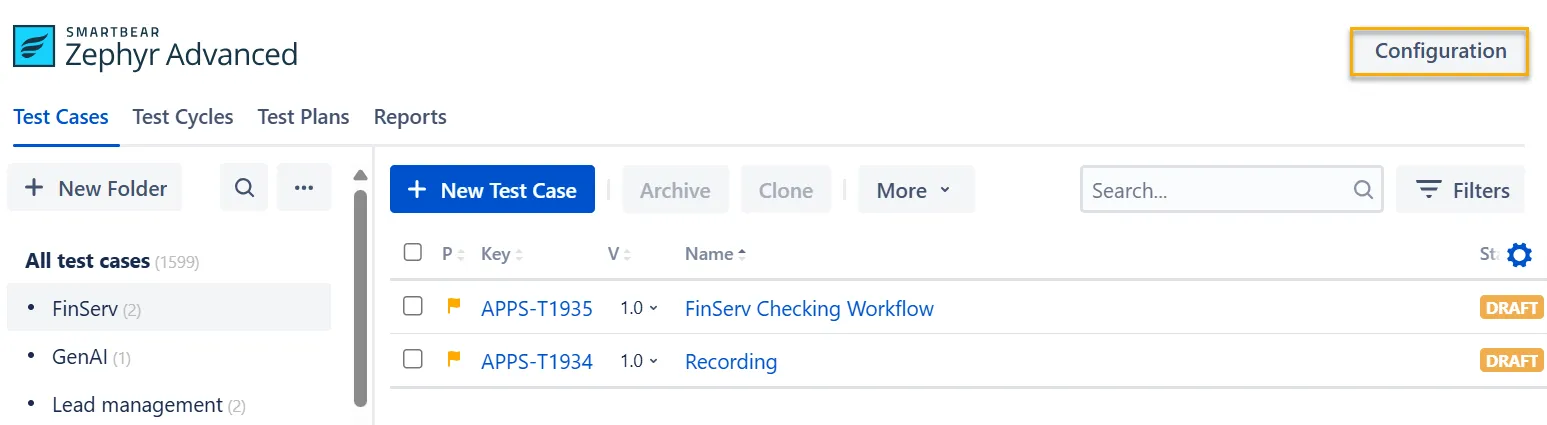
There are three sections for you to customize: General, Statuses, and Custom Fields.
Please note, the following content is for the new experience of Zephyr Cloud. For documentation on the legacy experience of Zephyr Squad Cloud, please visit thelegacy Zephyr Squad Cloud docs. If you are unsure of your version, check the guide orcontact our support team.