
Zephyr Advanced Features
Parallel Testing
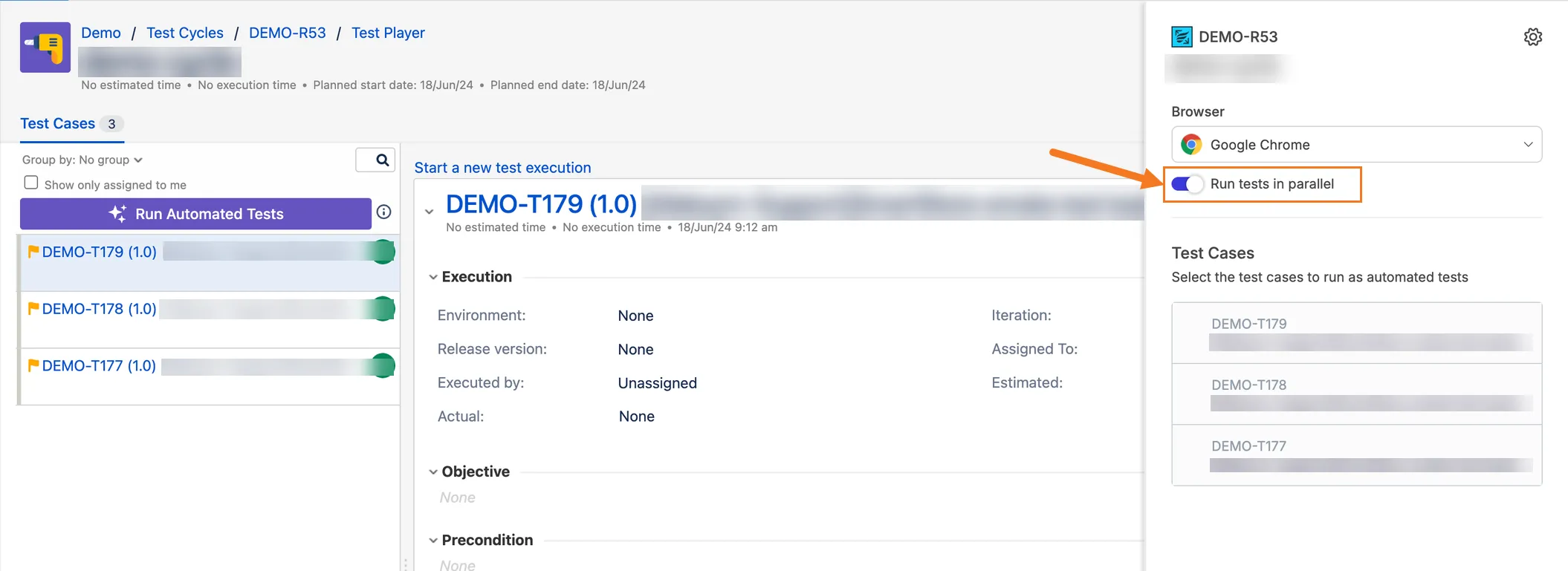
You can enable parallel testing in the Test Player under the Automate section by switching on the Run test in parallel option.
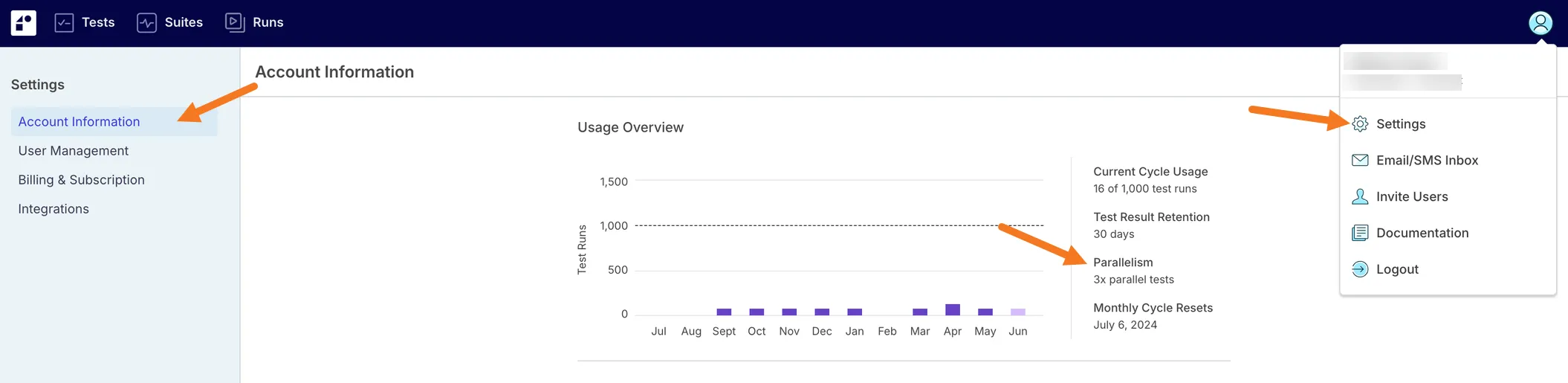
To find the maximum parallel testing allowed for your account in Reflect, go to Settings -> Account Information.
Check the quick demo below to start with parallel testing:
Cross-Browser Testing
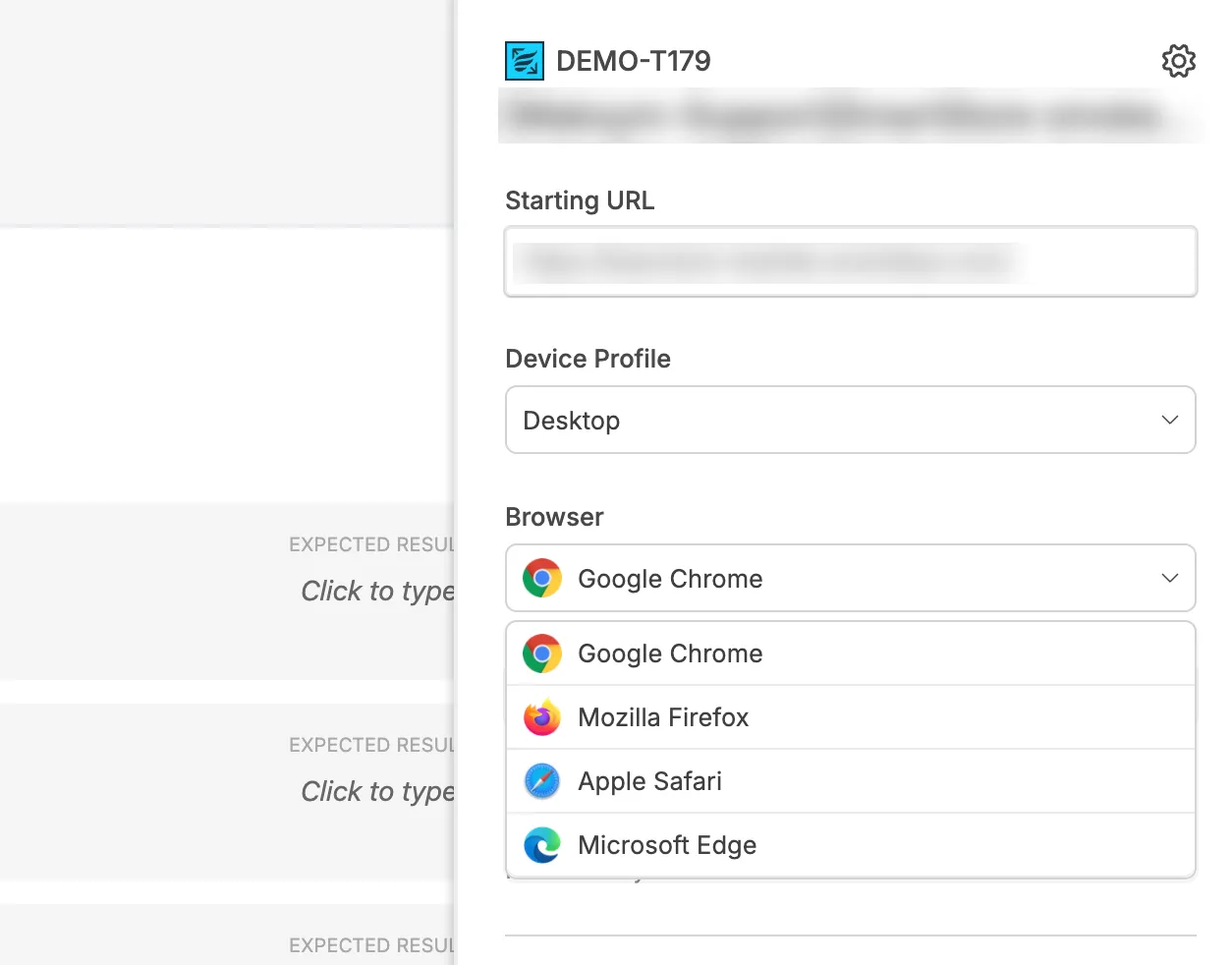
Zephyr Automate allows you to test across different web browsers. You can set up cross-browser testing in the Automation section under the Browser drop-down menu. We support the latest versions of popular browsers like Chrome, Safari, Firefox, and Edge.
Check the quick demo below to start with cross-browser testing:
Email / SMS Testing
The guide to Email / SMS Testing in Zephyr Advanced is available in the Reflect Documentation.
Check the quick demo below to start with Email/SMS testing:
Please note, the following content is for the new experience of Zephyr Cloud. For documentation on the legacy experience of Zephyr Squad Cloud, please visit thelegacy Zephyr Squad Cloud docs. If you are unsure of your version, check the guide orcontact our support team.