Connecting to Swagger Source
Connecting a Swagger API document as a source lets BearQ sync every endpoint defined in it and display them on the Sources page. Each endpoint appears as a row, using the same experience as endpoints discovered during browser sessions. You can then generate API tests directly from those endpoints. Each workspace can have one Swagger source connected at a time.
Connecting Swagger Source
To connect a Swagger source, do the following:
Log in to BearQ.
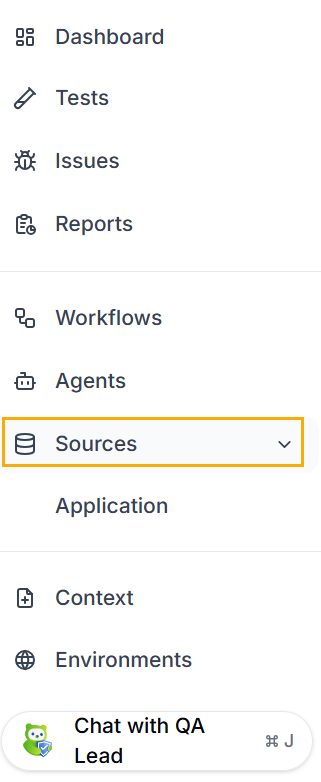
Click Sources.
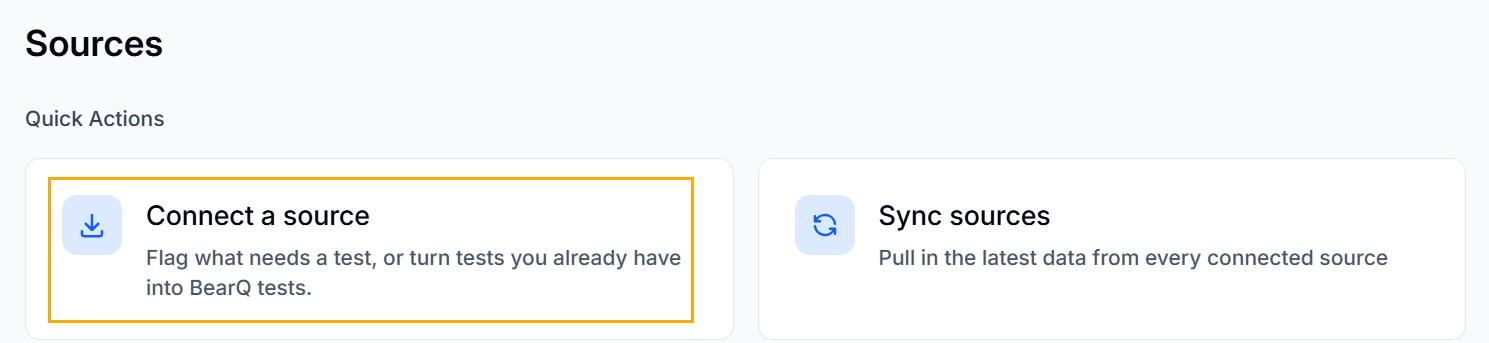
Click Connect a source.
Select Swagger.
Click Connect.
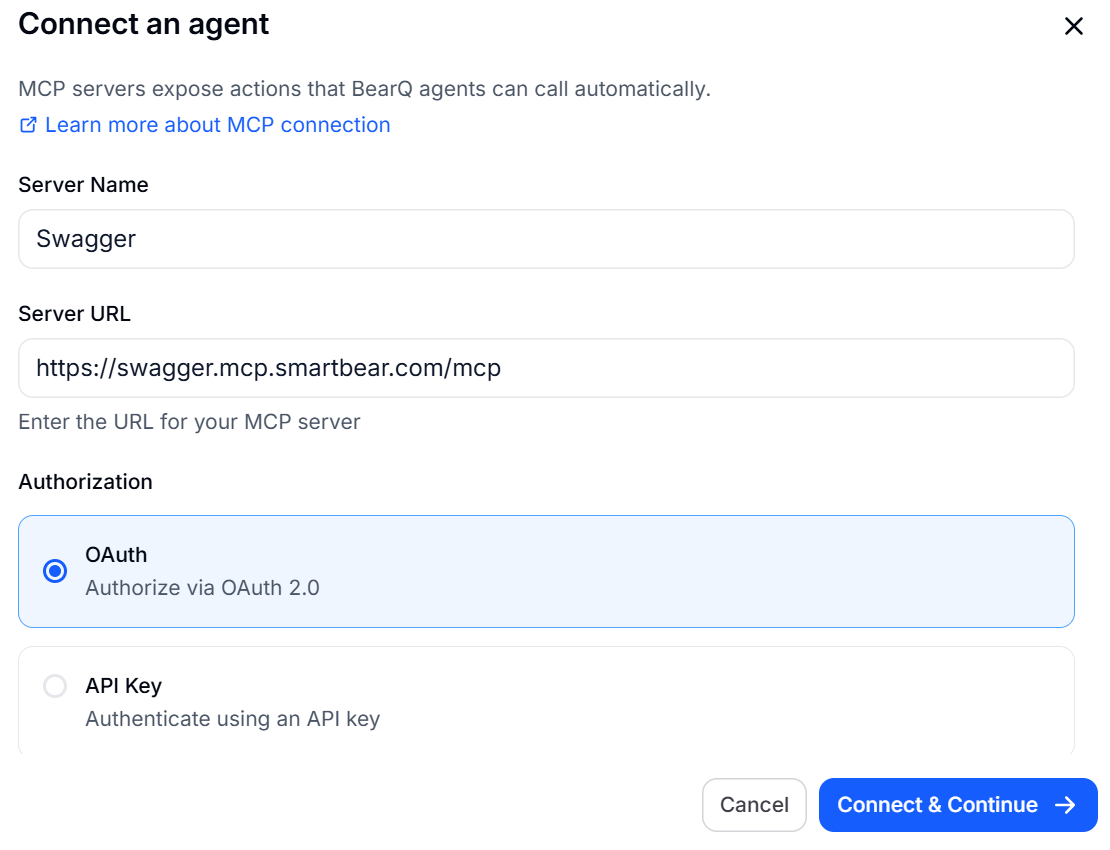
Enter the Server name, URL, and Authorization. Click Connect and Continue.
Select the required Organisation, Spec, and Environment.
Click Connect source.
Result: The Swagger source is connected.