Sources
Sources let you connect external tools to BearQ and use them to drive test creation. Instead of starting from scratch, you can review inputs in BearQ and generate tests directly from them. Each unit moves through an inbox-style view so you can track what has been tested, what is in progress, and what you have chosen to skip.
Supported Sources
BearQ supports the following source types:
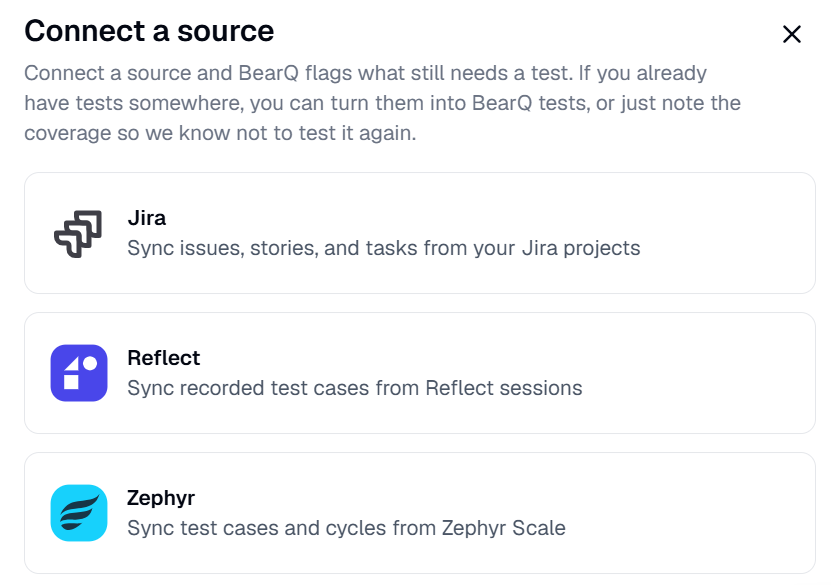
Jira: Connects via your Jira agent. BearQ syncs issues matching a JQL filter you define.
Zephyr: Connects via your Zephyr agent. BearQ syncs test cases from a selected project.
Reflect: Connects via an API key. BearQ syncs tests from your Reflect account.