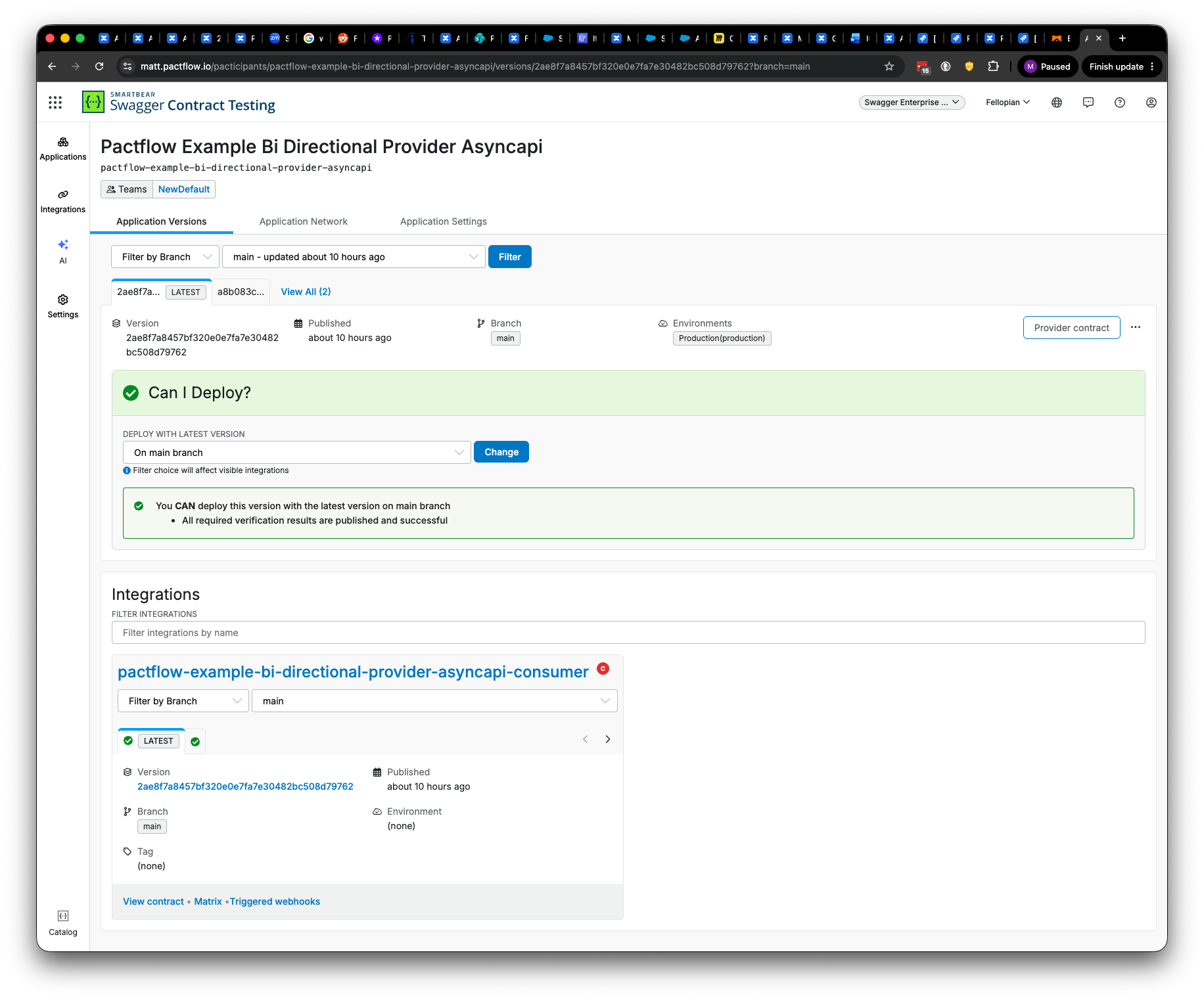
Bi-Directional Contract Testing
This section describes the Bi-directional Contract Testing screens in Swagger Contract Testing. Bi-Directional Contract Testing is a type of static contract testing where two contracts - one representing consumer expectations, and another representing provider capability - are compared to ensure they are compatible. Refer to the docs for more information on this feature.
The contract details page displays a comprehensive breakdown of the comparison results between a provider contract and its consumer contract (pact), along with metadata, participant information, and provider self-verification results.
Statuses
The following table describes the statuses displayed on this page:
Status | Description | Action Required |
|---|---|---|
✅ | The consumer contract is compatible with the provider's contract. | N/A |
❗️ | The consumer contract is incompatible with the provider's contract, the provider self-verification is unsuccessful, or a classic pact test has failed. | Review the error details to understand the failure cause. |
⚠️ | No schema comparison has been found for the consumer contract. | Either a consumer contract has yet to be published, or Swagger Contract Testing has not verified yet. Wait a few minutes and try again (Contract Testing generates results in the background), or run a |
| The endpoint (or message operation) is not being used. | N/A |

Important
Currently, this page supports showing one verification per consumer version. The most recently published provider version will be displayed for verification.
Each verification is still generated behind the scenes though, and will work as expected when using can-i-deploy in your build pipeline or via CLI.
Consumer Contract Tab
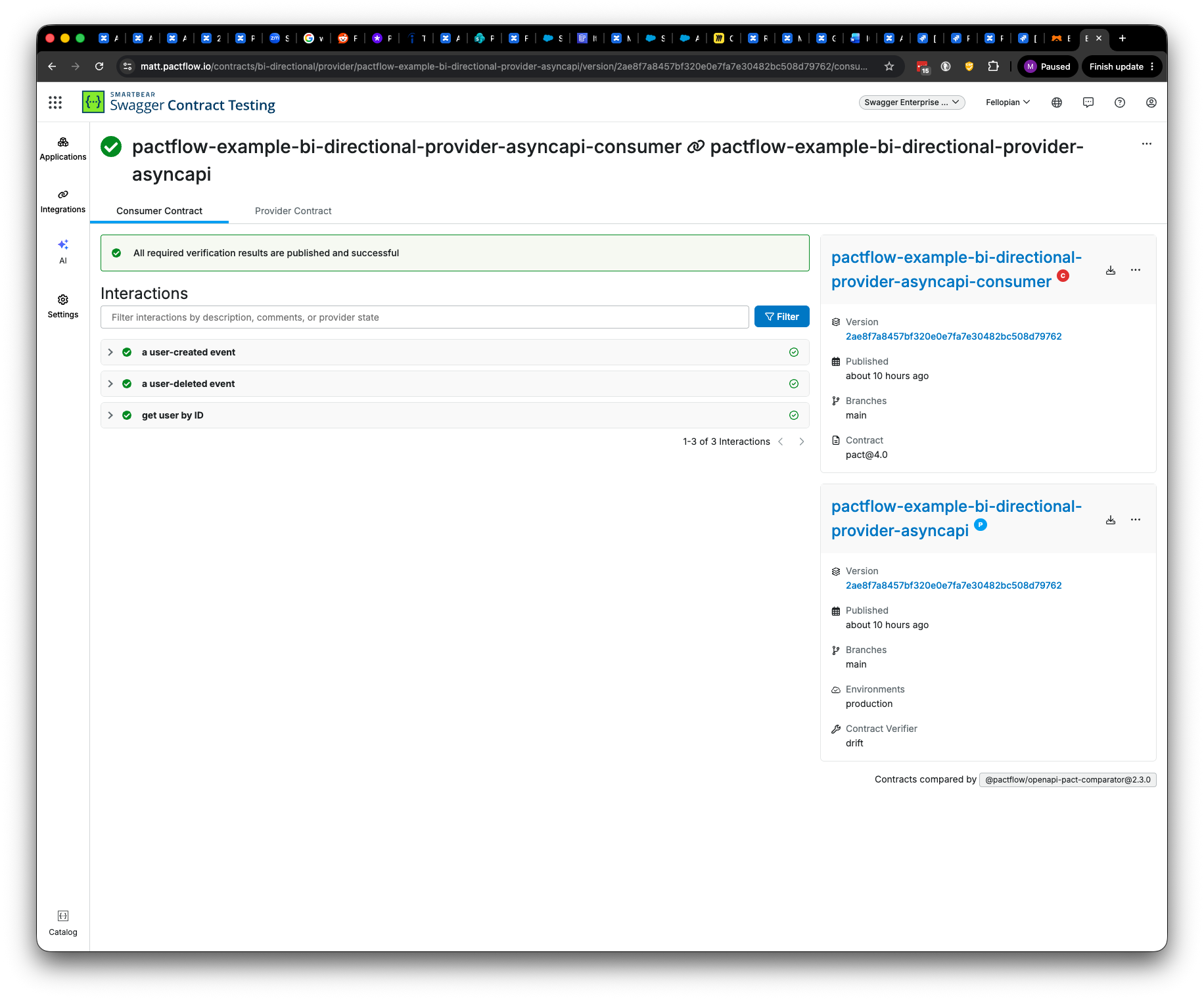
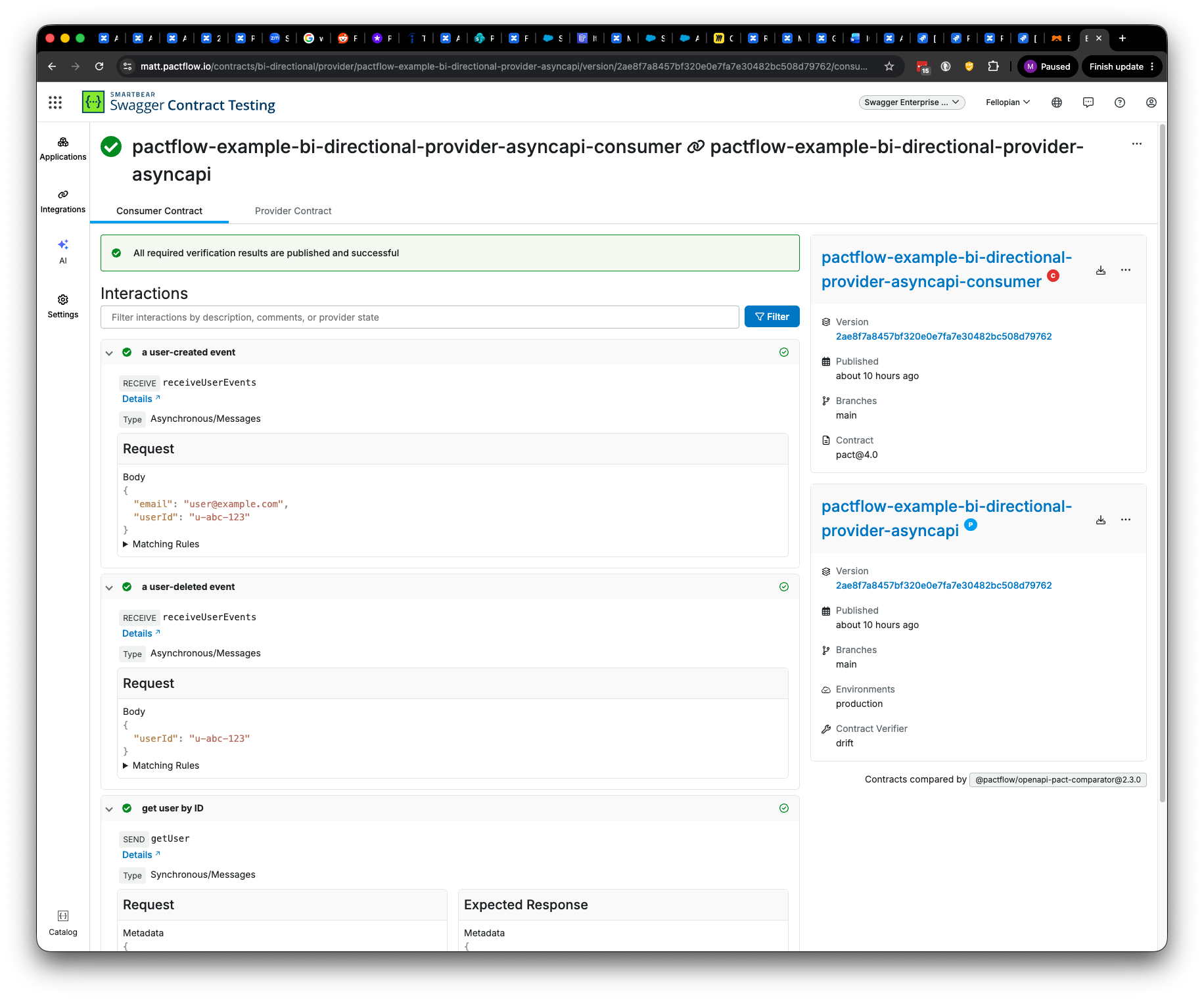
Displays the verification result of comparing the consumer contract against the provider contract, from the perspective of the consumer contract.
Clicking the interaction item toggles the interaction detail in relation to the current Bi-Directional Contract Testing.
For providers with an AsyncAPI provider contract, message interactions (fire-and-forget and request/reply) are listed here in the same way, grouped by interaction. Clicking a message interaction shows the comparison detail against the provider's AsyncAPI definition.
Note
When you perform a classic pact test with Bi-Directional Contract Testing, the classic pact test result displays here.
For interpreting the Bi-Directional Contract Testing-related errors and warnings displayed on these screens, refer to the compatibility checks guide.
Provider Contract Tab
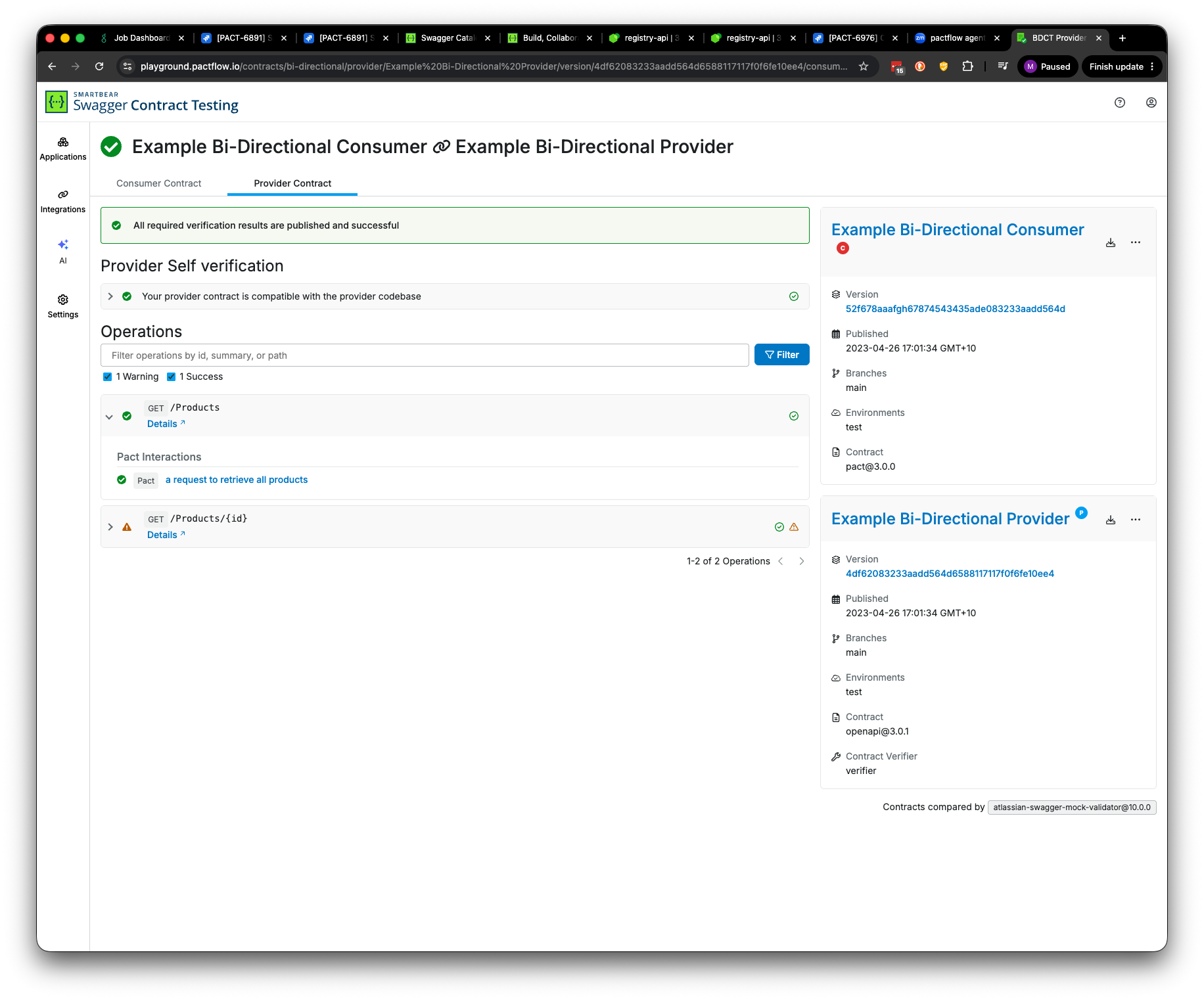
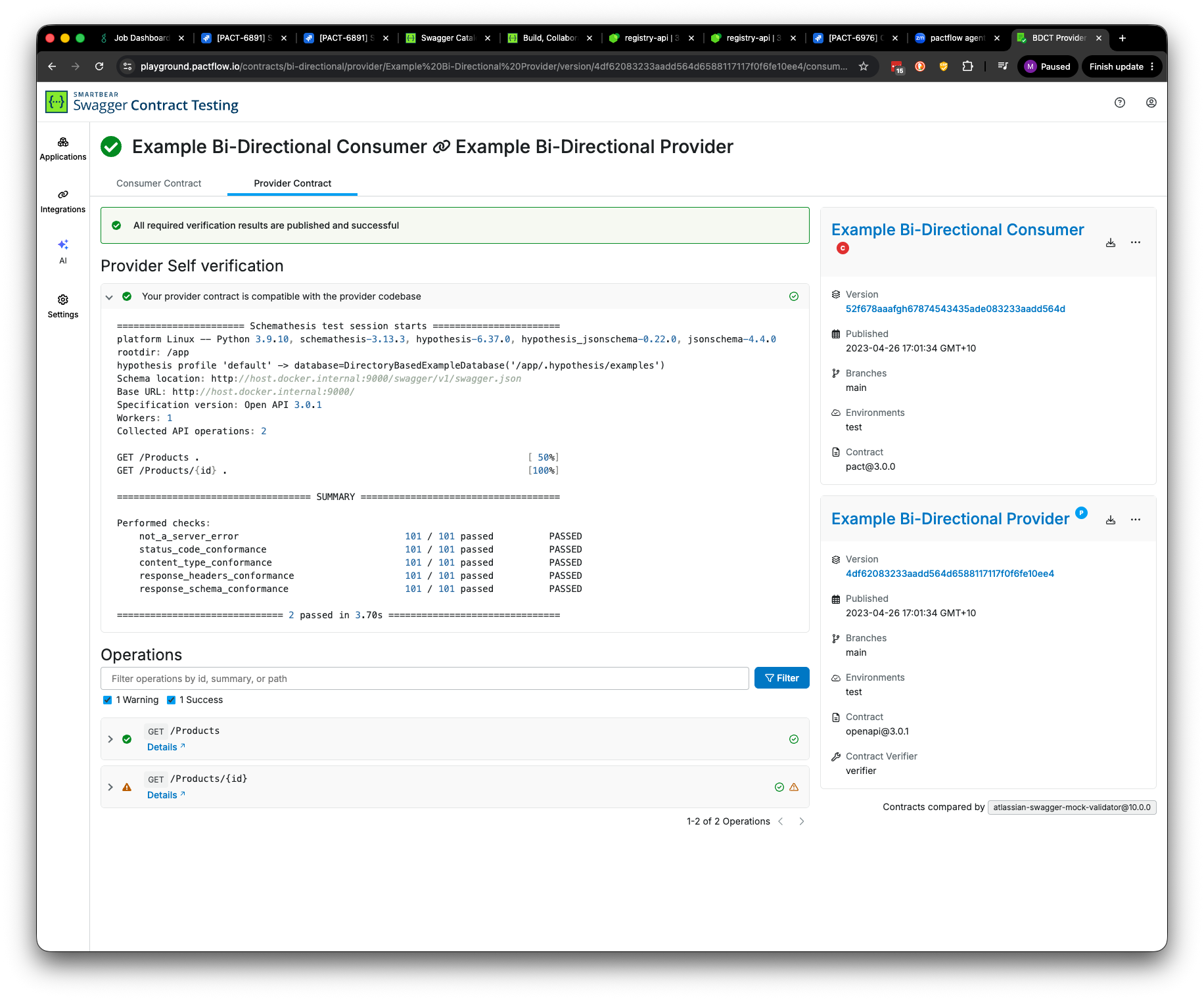
This section displays the provider contract, self-verification result, and the overall result of comparing the consumer contract against the provider contract, from the perspective of the provider.
You can only see here the endpoints that were included in the test.
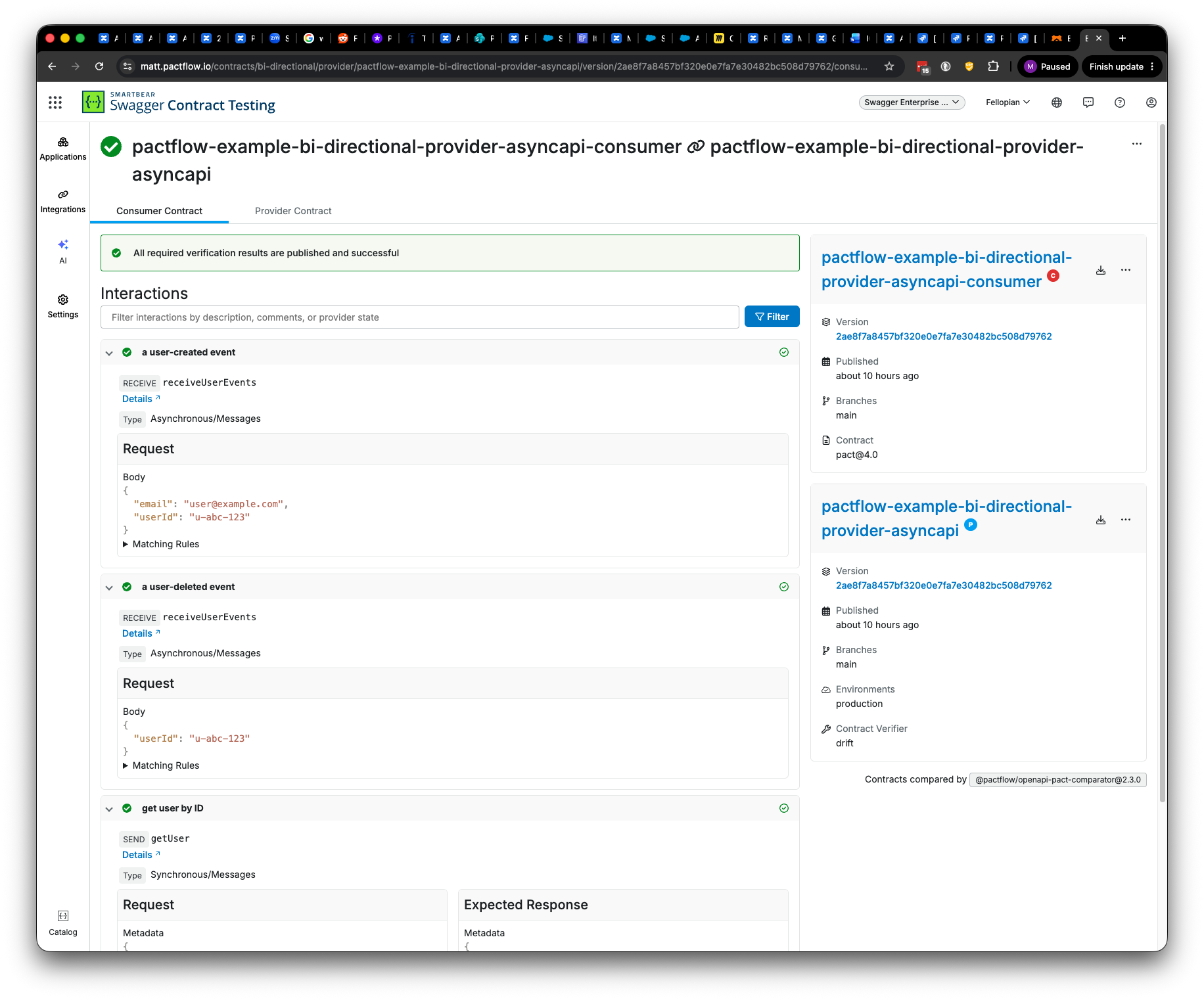
Provider contracts have two components: the API definition (an OpenAPI definition for HTTP APIs, or an AsyncAPI definition for event-driven APIs) and the tests that check whether the API is compatible with that definition (the self-verification result).
The status shown in this view indicates whether the definition is compatible with the consumer and the self-verification results are successful.
To view the scenarios tested in the consumer contract, click the selected interaction.
OpenAPI Definitions
To go to the linked API definition (OpenAPI or AsyncAPI), click next to the endpoint or operation in the Interactions section.