Configure Subdomains for Portal On-Prem
Portal On-Prem supports configuring a predefined list of allowed portal subdomains. This feature is useful in environments where wildcard DNS entries are not permitted, for example:
*.customer.com
Instead of allowing dynamically generated subdomains, administrators can define a fixed list of approved subdomains that organizations can use when creating Portals.
Configure Allowed Portal Subdomains
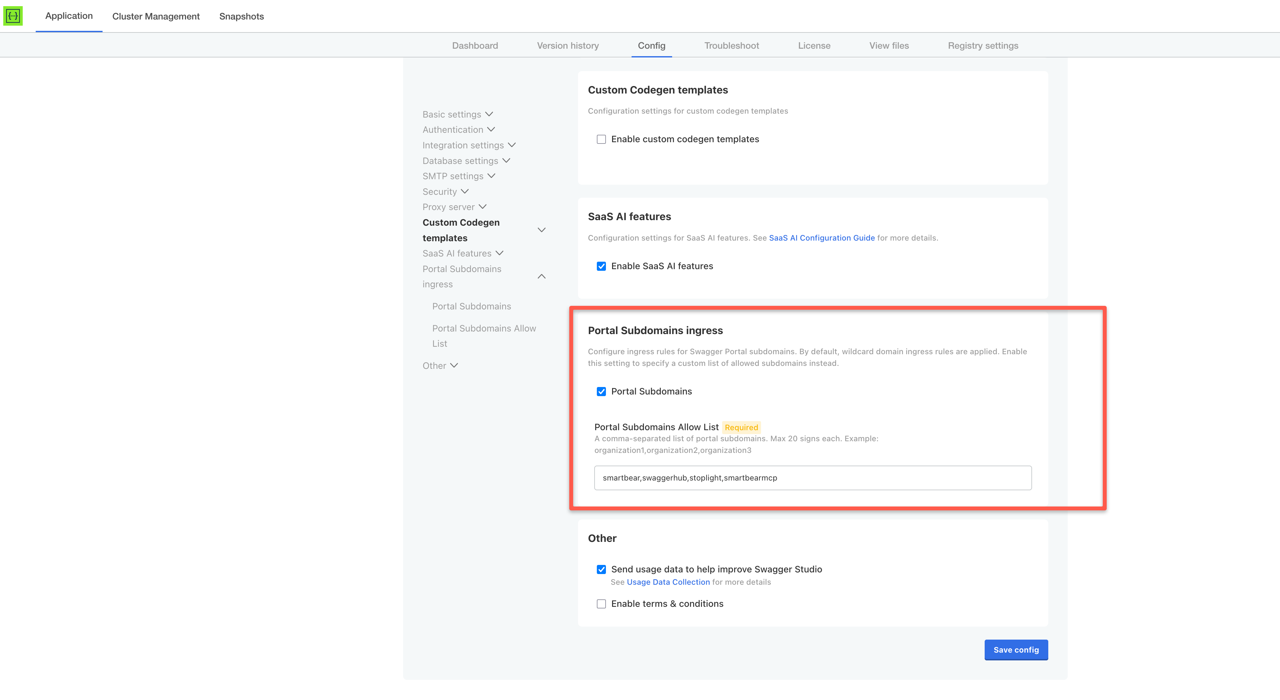
Navigate to Application > Config > Portal Subdomains ingress.
Enable Portal Subdomains.
Enter a comma-separated list of allowed subdomains.
Example: smartbear,swaggerhub,stoplight,smartbearmcp
Select Save config.
When a Portal is created, the first available subdomain is assigned automatically.
Change the Portal URL
The Portal subdomain can be changed from the Portal settings page.
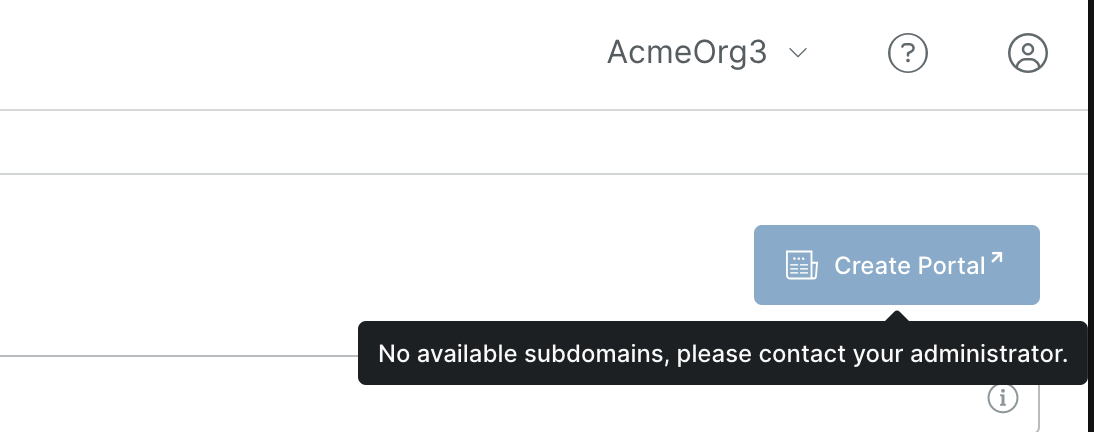
No Available Subdomains
If no subdomains are available, the on-prem administrator must add additional subdomains to the allow list before additional Portals can be created.