Link API Step form Studio
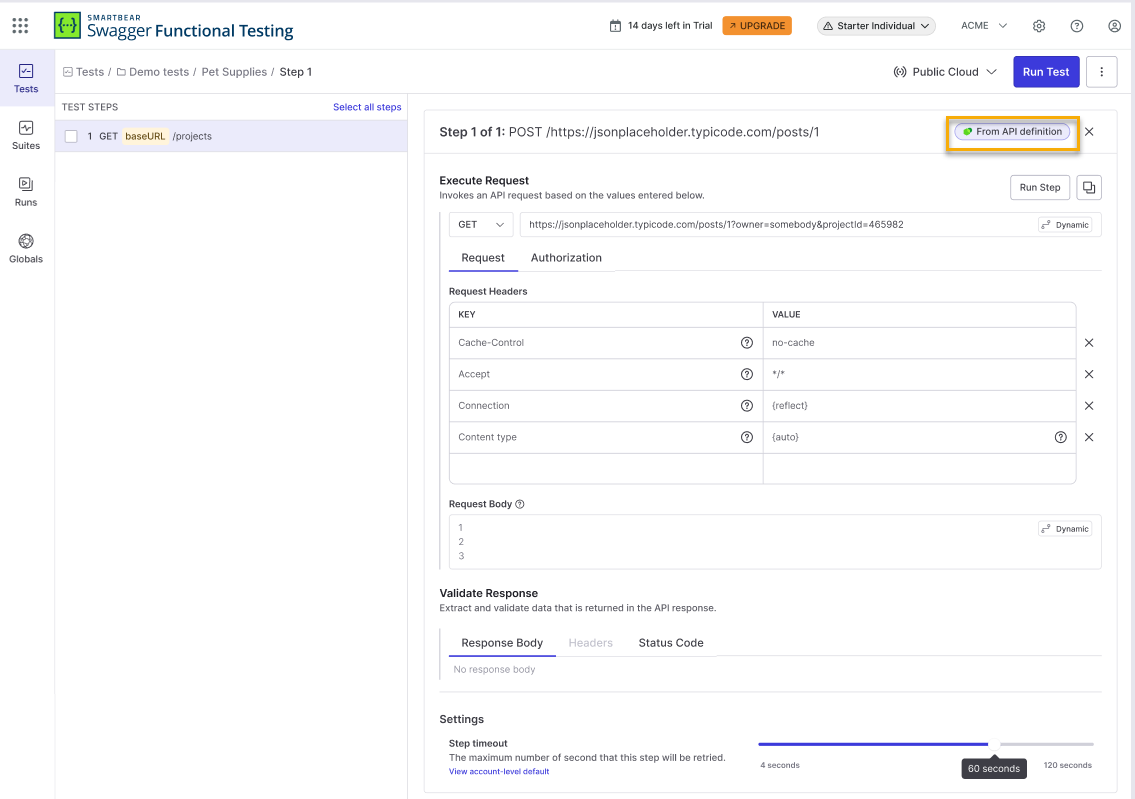
When you create a test step from an API definition in Swagger Studio, Swagger Functional Testing links the step to the source API operation. The link state is shown as a badge on the step.
From API definition means the step is actively connected. The method and path are locked to match the API. You can edit query parameters, headers, and the request body freely, but changing the method or path triggers a warning and removes the connection on save.
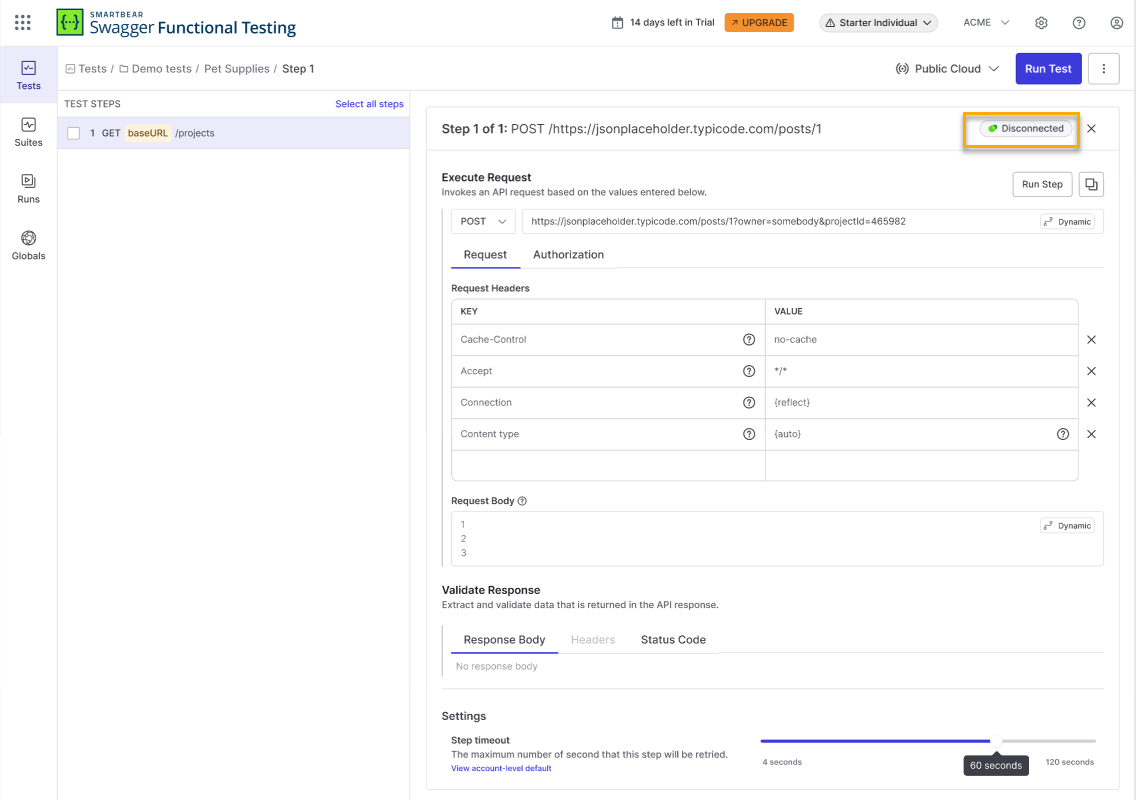
Disconnected means the step was previously linked but the connection was removed. The method and path can be edited freely. Select Relink to API definition to restore the connection, which reverts the method and path to the original API values. Manually added parameters are kept.
Editing a Connected Step
You can edit query parameters, headers, and the request body without affecting the connection.
Warning
Changing the method or path disconnects this step from its API definition on save.
Select Revert to original value to restore the original method and path without saving. If you save with changes, the connection is removed and the badge changes to Disconnected.
Removing a Connection
Select the From API definition badge.
Select Remove connection.
Relinking a Disconnected Step
Select the Disconnected badge.
Select Relink to API definition.
Note
Relinking reverts the method and path to the original API values. Manually added parameters are kept.