
Switching back to old UI from default ADG UI
In the upcoming minor release subsequent to Zephyr For Jira Cloud 3.0 we can switch back to old UI by following the steps below. Please note that by default all users will be in ADG UI. But we are providing additional option for user to switch back to old UI.
Login Jira Cloud as a user with administration privileges and navigate to Administration -> Addons.
Check for the Update Available on Zephyr for Jira Cloud Add-on.
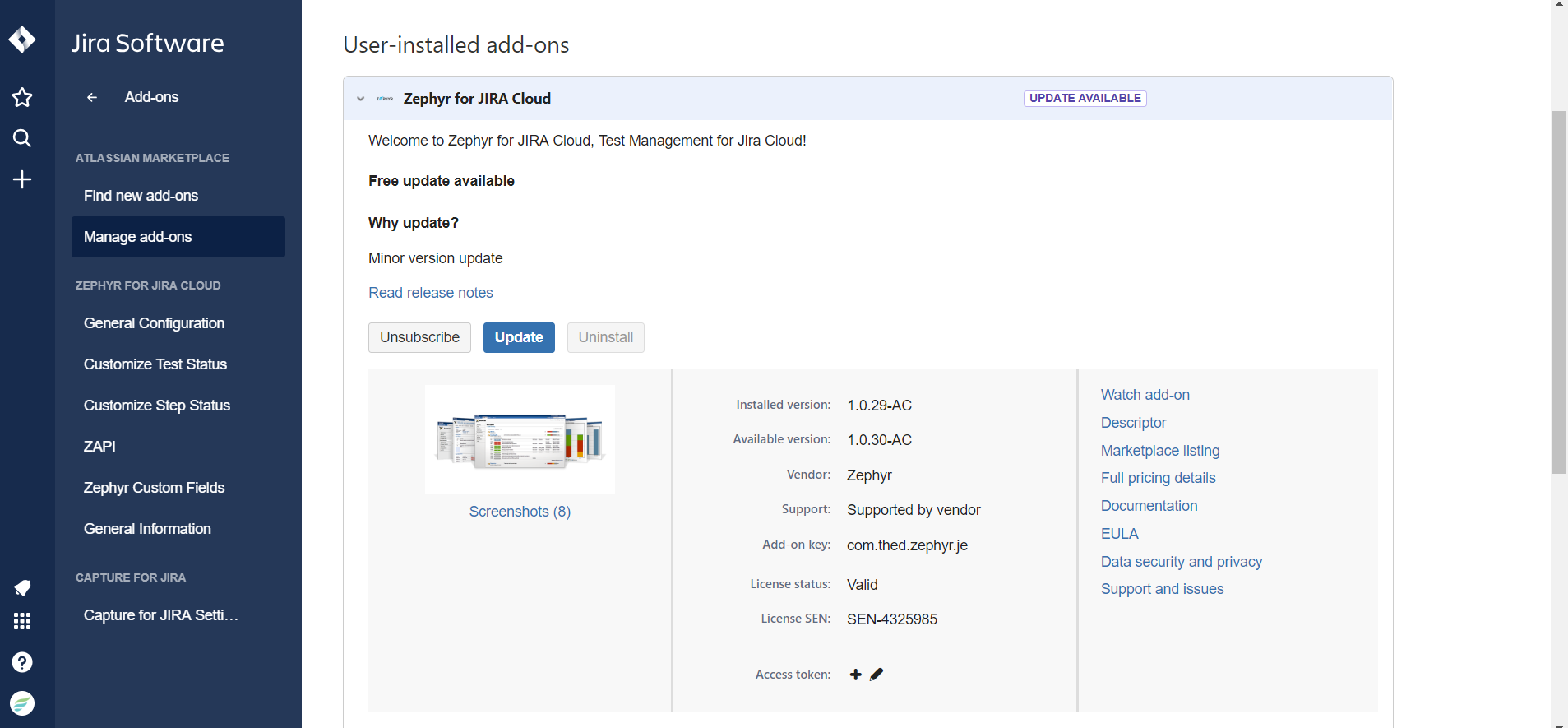
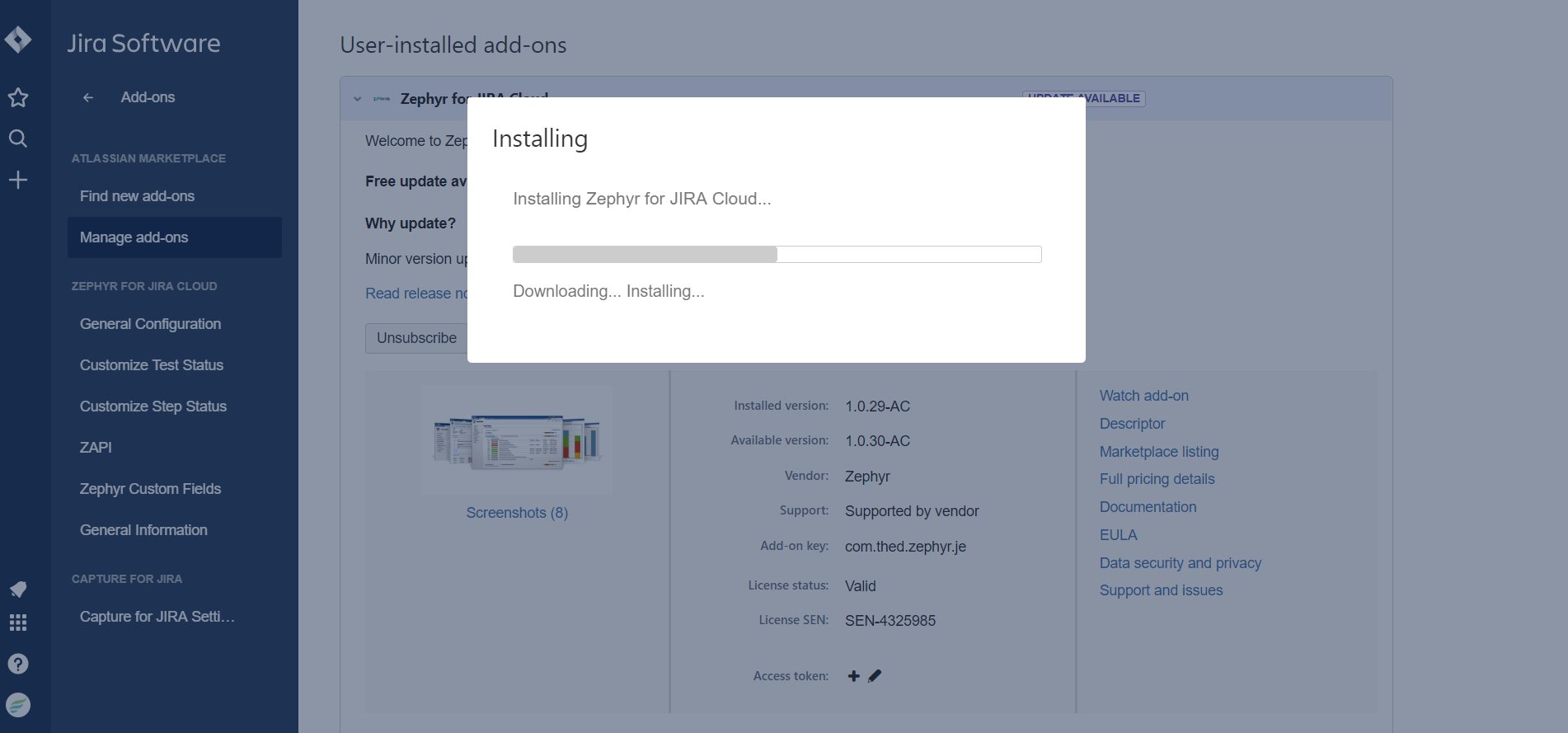
Click on Update Button and wait for the Update Success message.
Navigate to Jira Administration -> Addons -> Click on General Configuration under Zephyr for Jira Cloud.
Disable the check box option as shown in the screenshot below.

Once disabled please navigate back to Tests->About and click on ADG UI as shown in screenshot below.

A pop up will appear , where in one can disable the option ‘Preview Beta ADG Style for Zephyr’.Once disabled you will be able to revert to the old UI.
