
How to Create Test using New Zephyr UI with New JIRA UI
Problem
Unable to create test from the sidebar Test menu.
Cause
With the new JIRA UI and new Zephyr UI, there are some broken links between the two and we have raised a bug ACJIRA-1294 with Atlassian.
Fix
There is a work around for this problem. To create test,
- Click on “+” sign (highlighted in green color) on the sidebar.

- It will take you to the below page where you have two options as Issue or Project. Click on Issue.
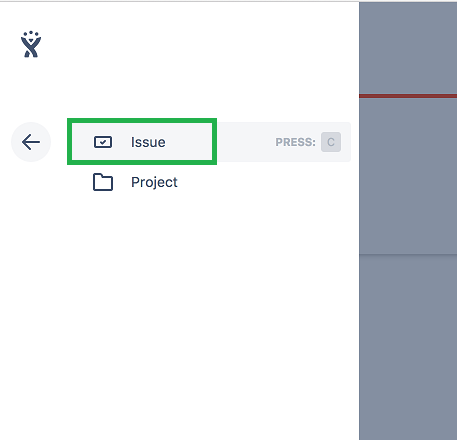
- Create issue page will open as shown in below screenshot. Select project and issue type as “Test” to create Test.
