Global Custom Fields
Global custom fields can be used across all projects in Zephyr Squad.
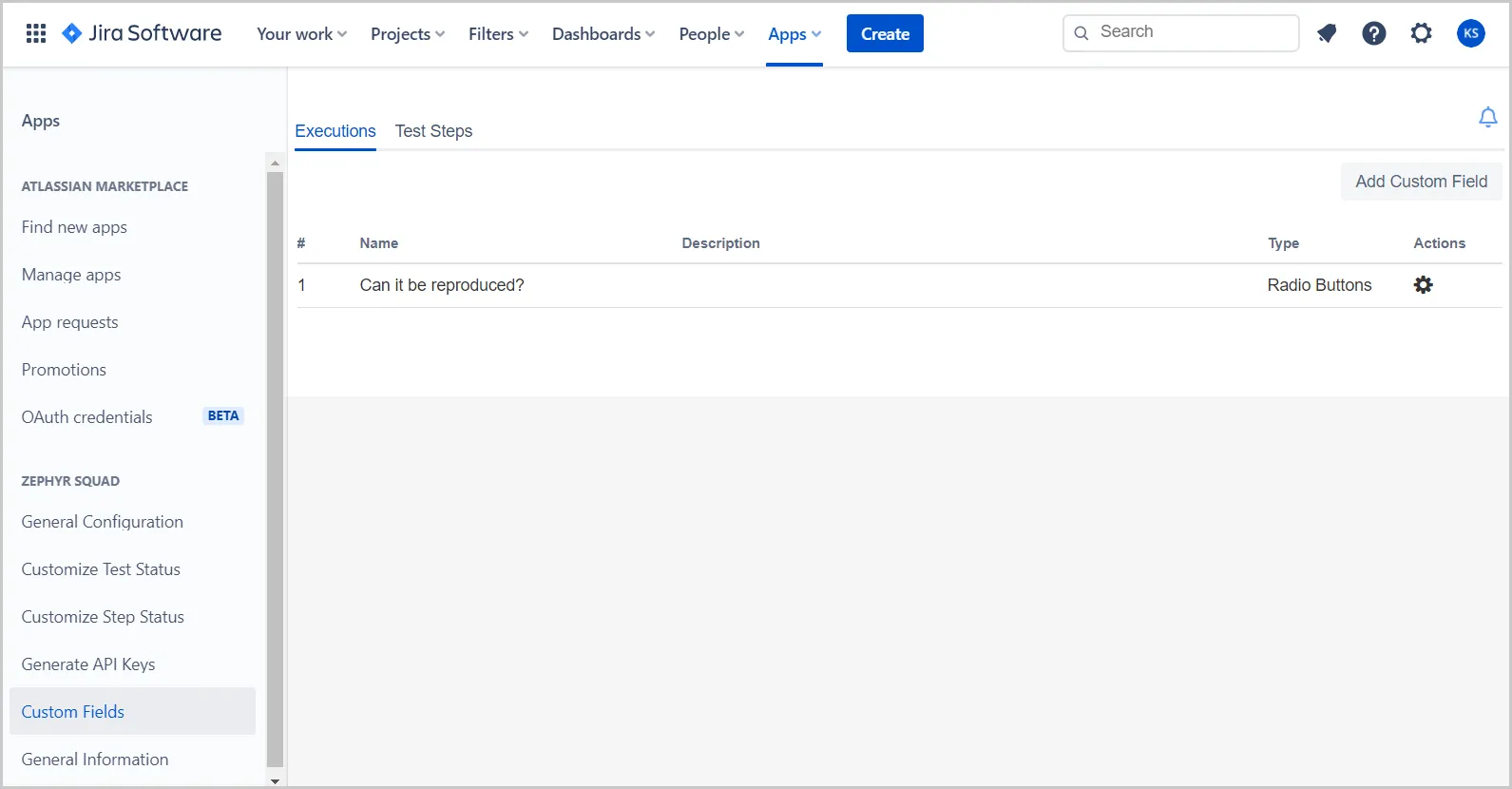
Custom fields can be defined for Test Executions and Test Steps:
-
Up to 20 custom fields for test executions. Users can enable what custom fields are needed at a project level using the Enable and Disable feature.
-
Up to 5 customer fields for test steps. Users can enable what custom fields are needed at a project level using the Enable and Disable feature.
Custom field types
-
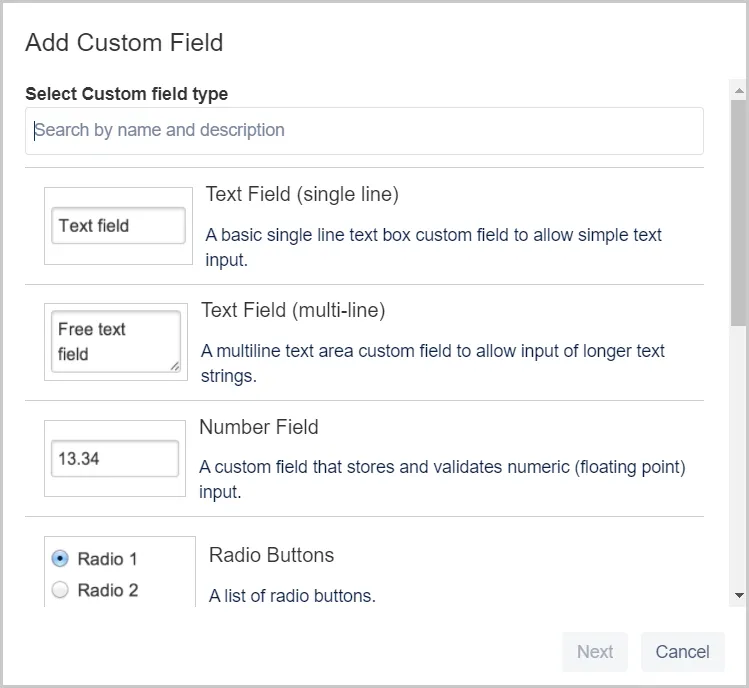
Checkboxes: field that allows users to choose multiple values using checkboxes
-
Date Picker: field that stores dates and allows the user to use a date picker to view them.
-
Date Time Picker: field that stores dates with a time component attached to the date.
-
Number Field: field that stores and validates numerical inputs (floating points).
-
Radio Buttons: field that displays a list of radio buttons and only allows the user to select one of the options.
-
Select List (multiple choices): field that stores multiple values in a select list view and the user is able to select one or multiple choices from the list.
-
Select List (single choices): field that stores multiple values in a select list view and the user is able to select one choice from the list. This is a drop-drop list.
-
Text Field (multi-line): field that allows inputs for longer text strings in a multi-line text box.
-
Text Field (single line): field that allows simple text input in a single line text box.
“Fields” custom field
-
After selecting the custom field type, users must provide a name for the custom field.
-
The name for the custom field is essentially the column header for the custom field.
-
The custom fields can be searched by its name in test execution ZQL search.
Example
If you have a custom checkbox with the header called Custom Status and one of the options is Finished? and you want to search for test executions that are Finished?, use the following:
Custom Status = “Finished?”
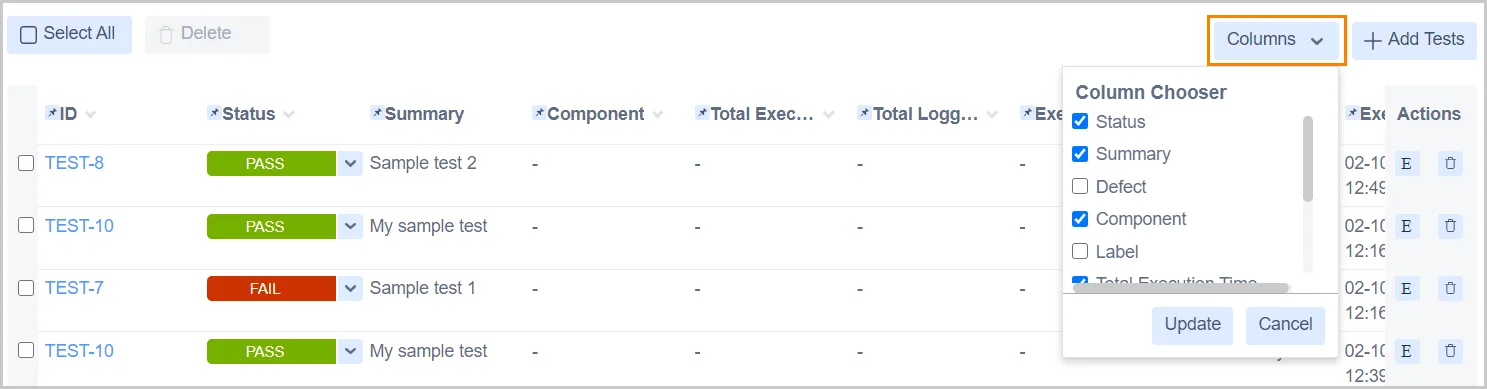
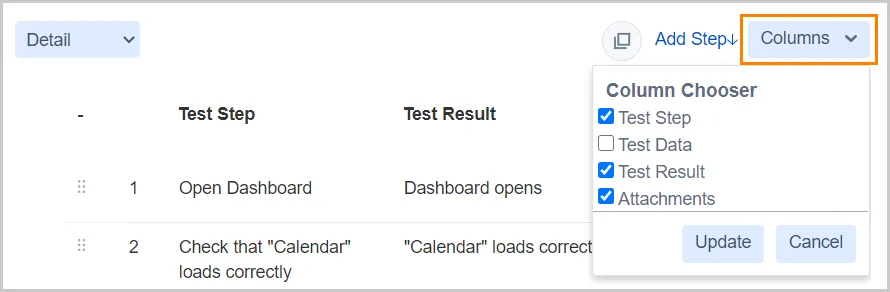
When viewing custom fields for test executions and test steps. Use the Column button to display the custom field in the corresponding tables.