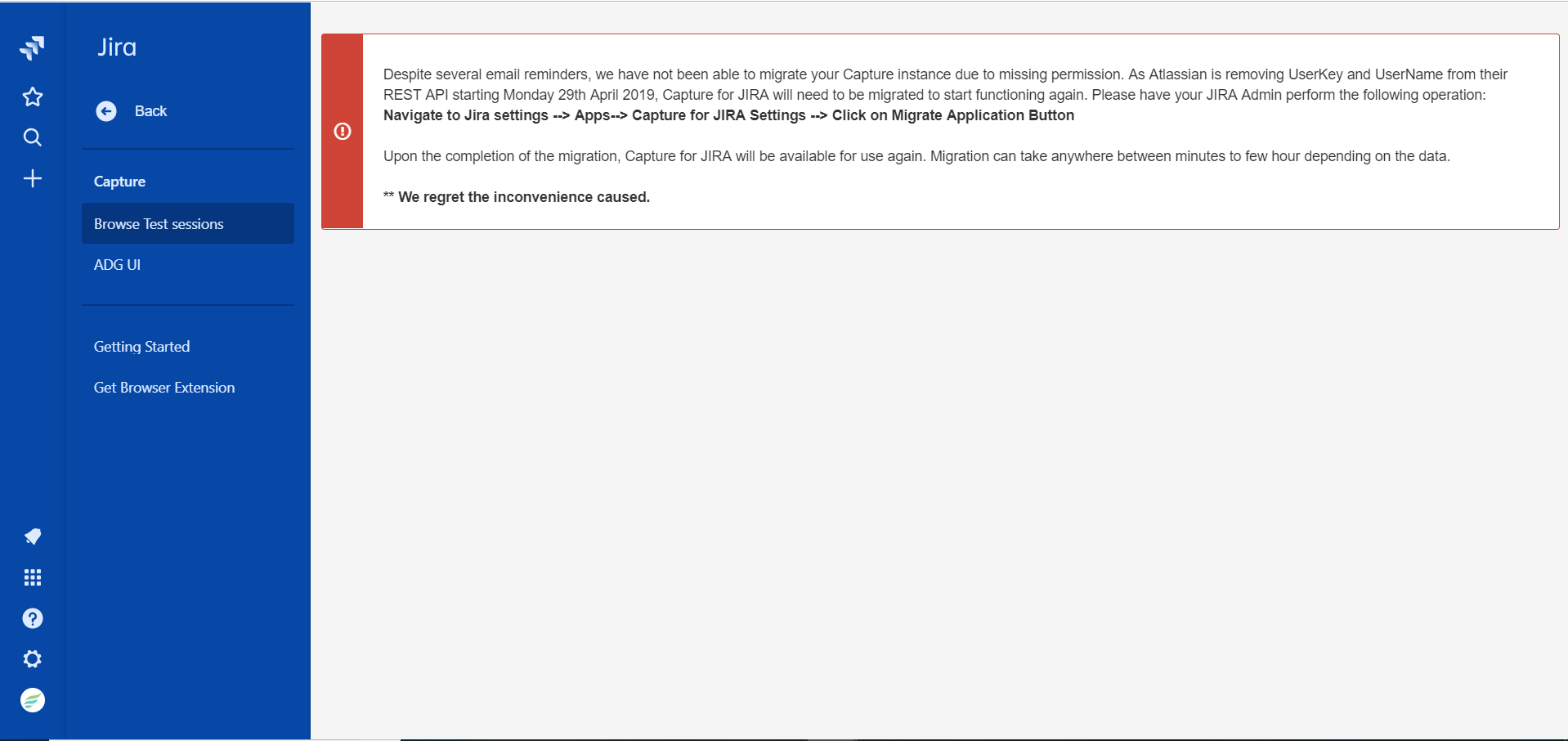
Capture for JIRA Cloud will need to be migrated to start functioning again.
Problem
- Instance which has this Message will not able to perform any operation until migration is done by the respective jira admin.
- Impacted users will get below Message on capture pages:
- Browse test session page
- Project test session page
- Get browser extension
- View session page
- Getting started page
Cause
This message will show only for Failed and Non GDPR tenants.
Fix
If you are getting above message then you need to Migrate the instance in capture for Jira settings page as like below steps :
Login as Jira Admin –> Navigate to Jira settings –> Apps–> Capture for JIRA Settings –> Click on Migrate Application Button.
Once Migration is done they can use capture all pages without any issues and it will function as usually before.
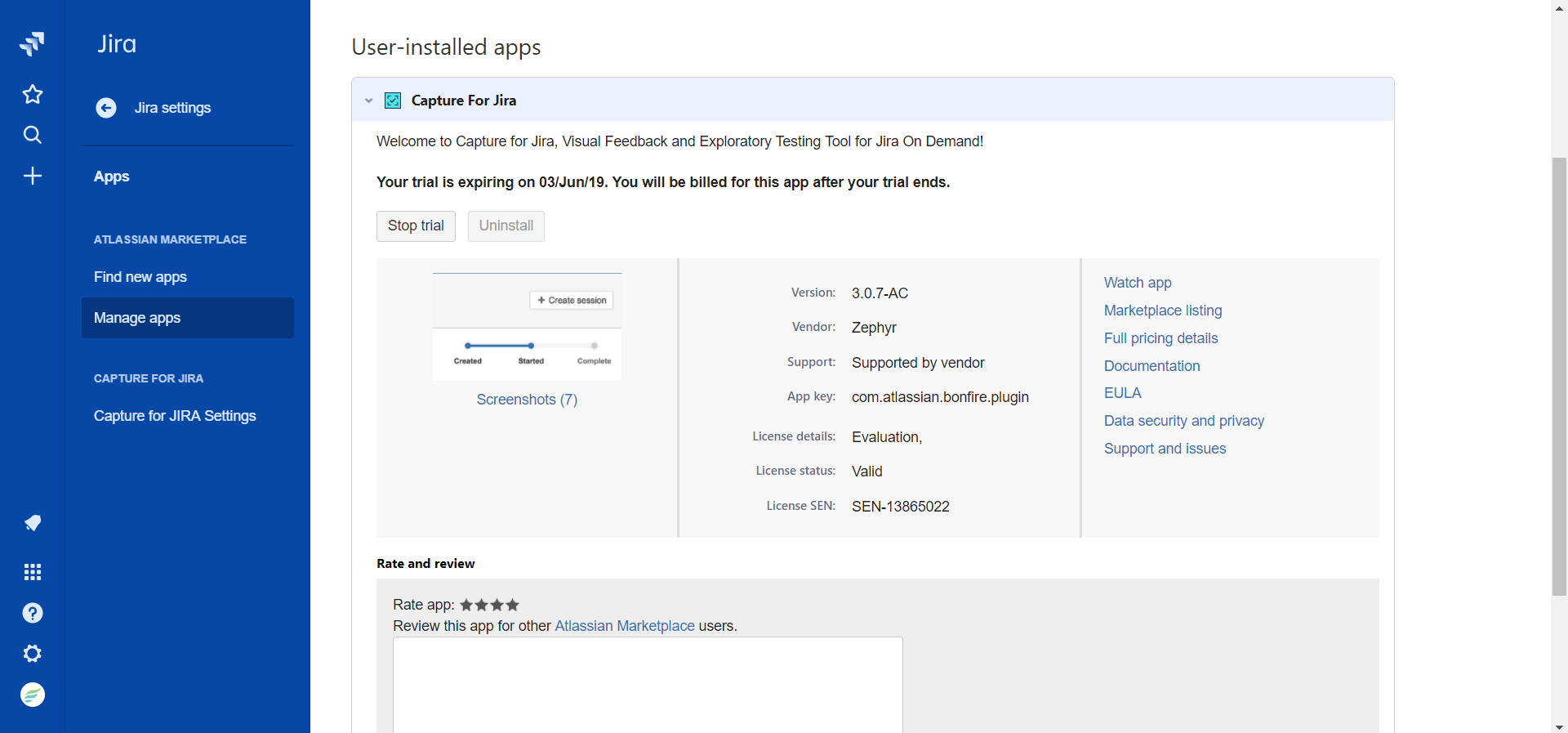
Please make Sure capture Addon version is “ 3.0.7-AC” as showing below in manage addons.