Delete Projects
Organization owners can delete projects that are no longer needed.
Deleting a project does not delete the APIs and domains added to this project. They remain available in your organization. You can delete them later, if needed.
To delete a project:
-
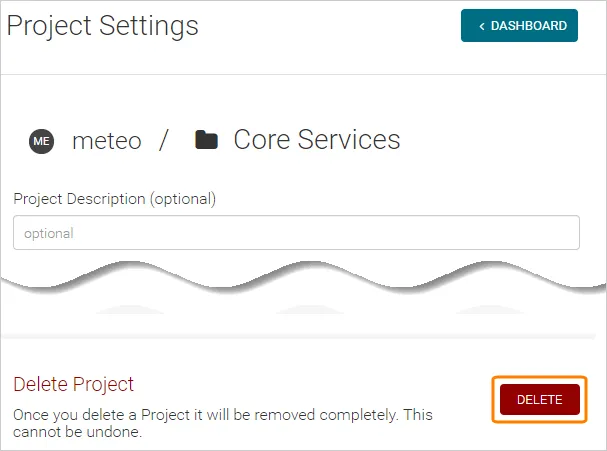
Select the project in the Swagger Studio sidebar, then click next to the project name.
-
Click Delete and confirm you want to delete the project.