
Secrets
You can create your own variables to store sensitive values like usernames and passwords here. These will be encrypted and stored in the Swagger Contract Testing platform and available to use when creating your webhooks.
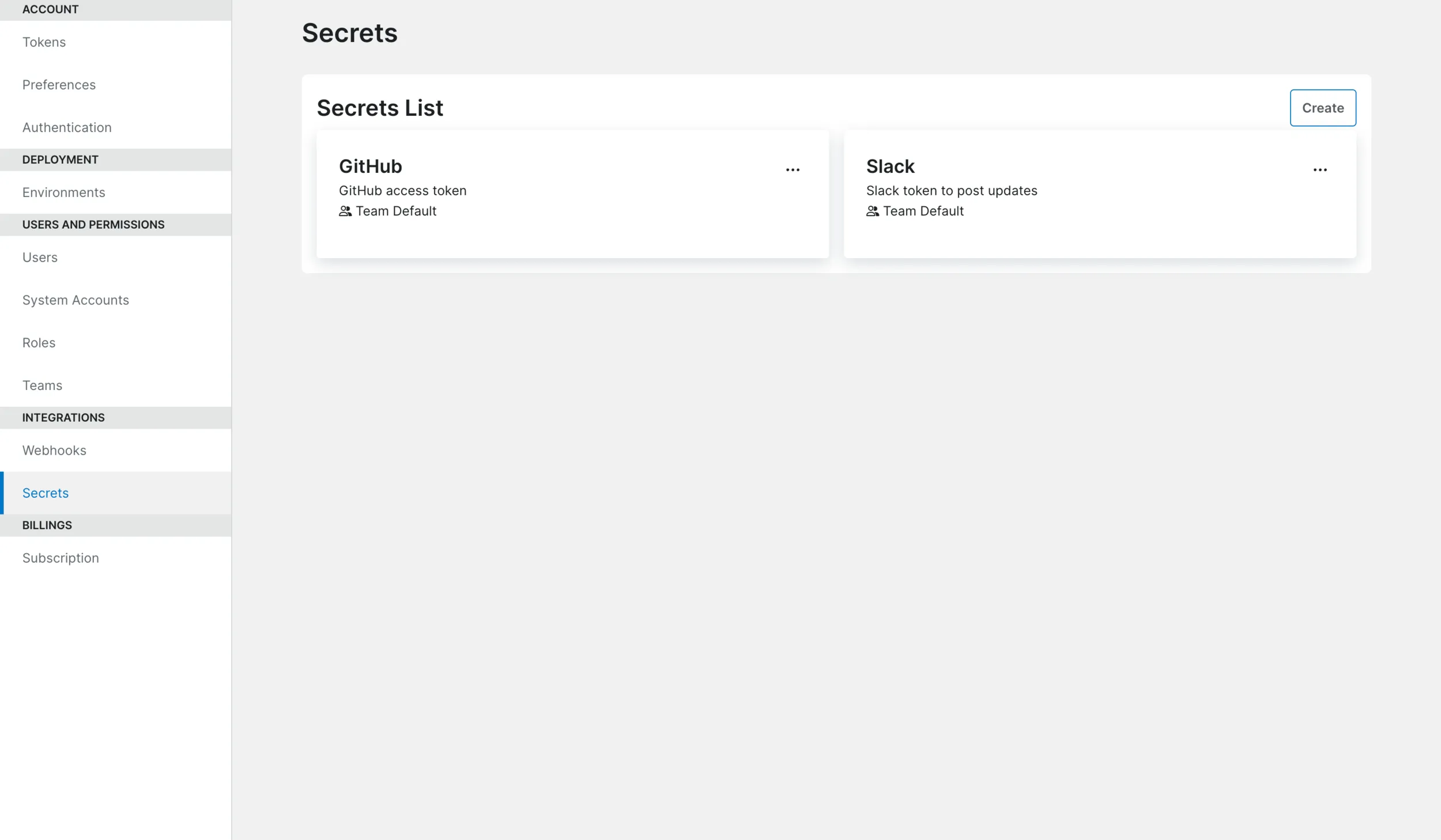
Click on a tile to edit a secret, or the ellipsis to copy the secret’s UUID.
Create a Secret
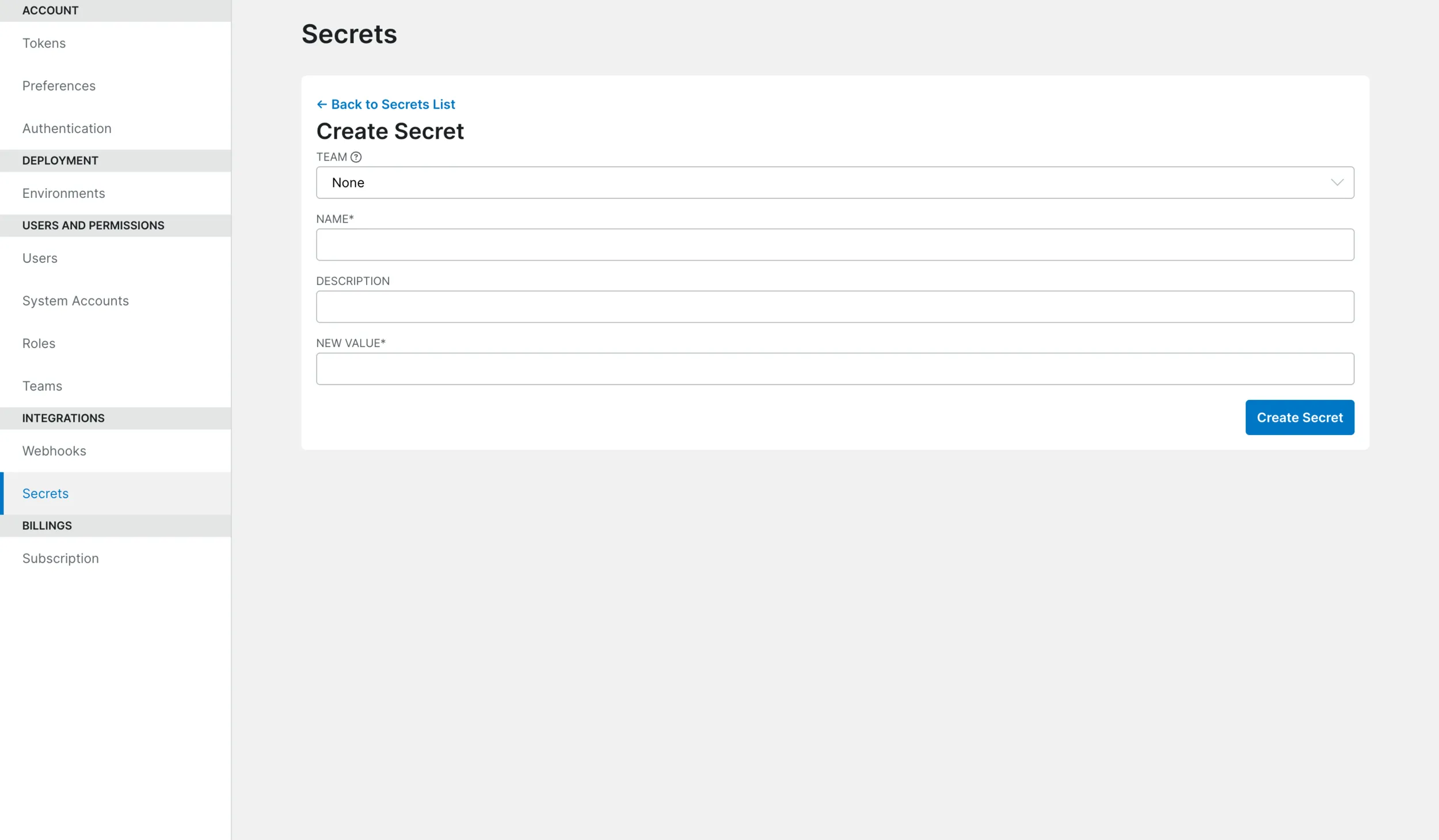
Secret Fields
| Field | Description |
|---|---|
| Team | When creating or updating a secret, users with the secret:manage:team permission (by default, assigned the User role) must assign a secret to a team. Team secrets may only be used in webhooks assigned to the same team. Users with the secret:manage:* permission (by default, assigned to the Administrator role) may choose not to assign a secret to any team. Secrets without a team assigned may only be used in webhooks with no team assigned. |
| — | — |
| Name | Give a name to your secret. This will be available as a dynamic variable prefixed with user.. For instance, if you create a BuildkiteToken secret you can access it as ${user.BuildkiteToken}. |
| Description | Describe your secret. |
| Value | Specify the value you would like to encrypt. |