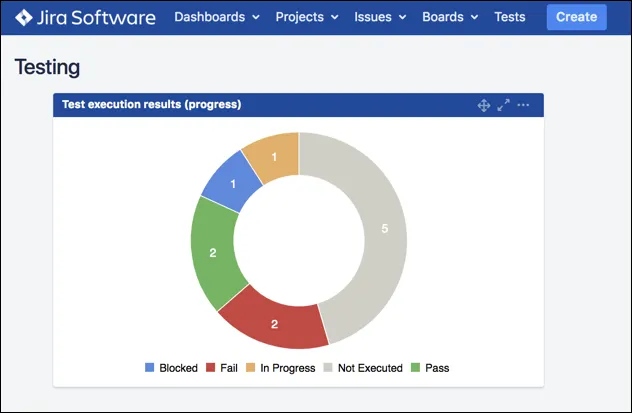
Use Gadgets
Follow the steps below to add gadgets to your Jira dashboard.
-
Click Dashboards on the main toolbar, and select a dashboard from the list.
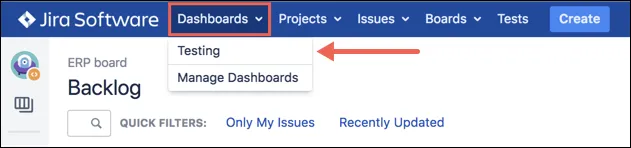
You can manage existing and create new dashboards by clicking Manage Dashboards.
-
Click Add Gadget or Add a New Gadget.
The Add a Gadget screen appears.
-
Locate a gadget you’d like to use, then click Add Gadget.
You can search for keywords to filter results.
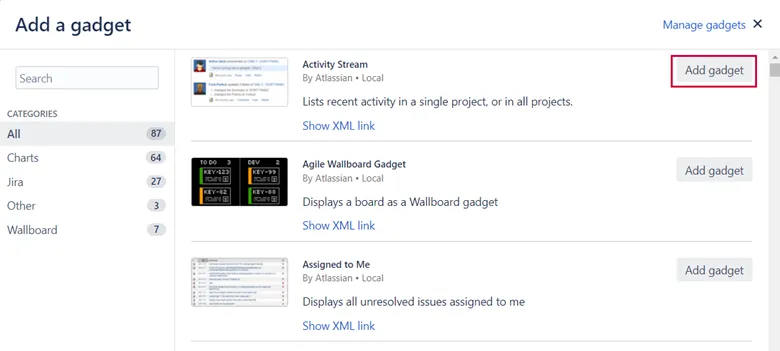
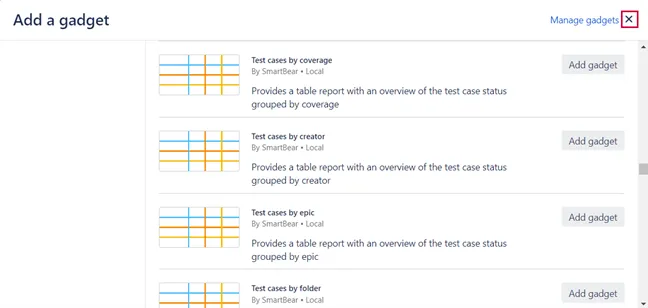
Gadgets are added to the dashboard in the background, though the Add a Gadget screen remains open.
-
Click X to close the Add a Gadget screen.
-
Add your desired criteria to the gadget, then click Save.
If Update every 15 minutes is not selected, you must refresh the page to see up-to-date information reflected in your gadget.
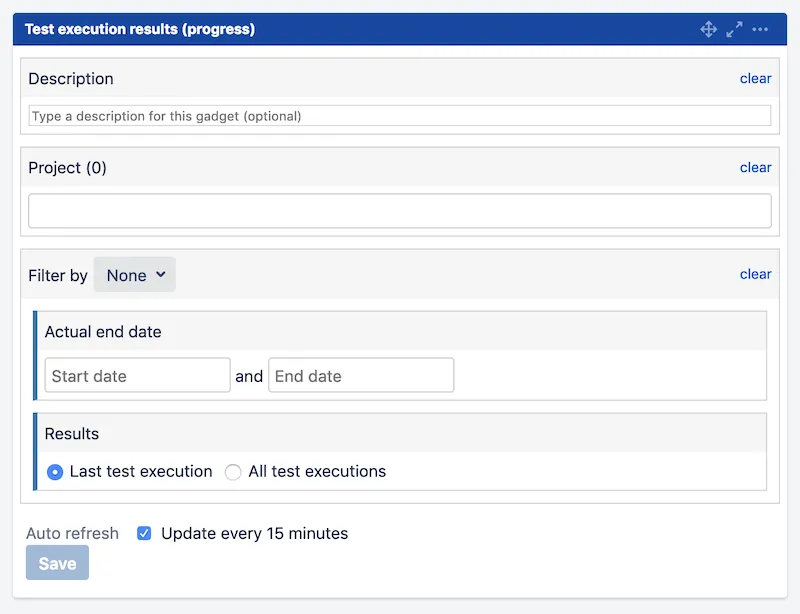
The gadget appears on the dashboard.