
Try Out Swagger Explore
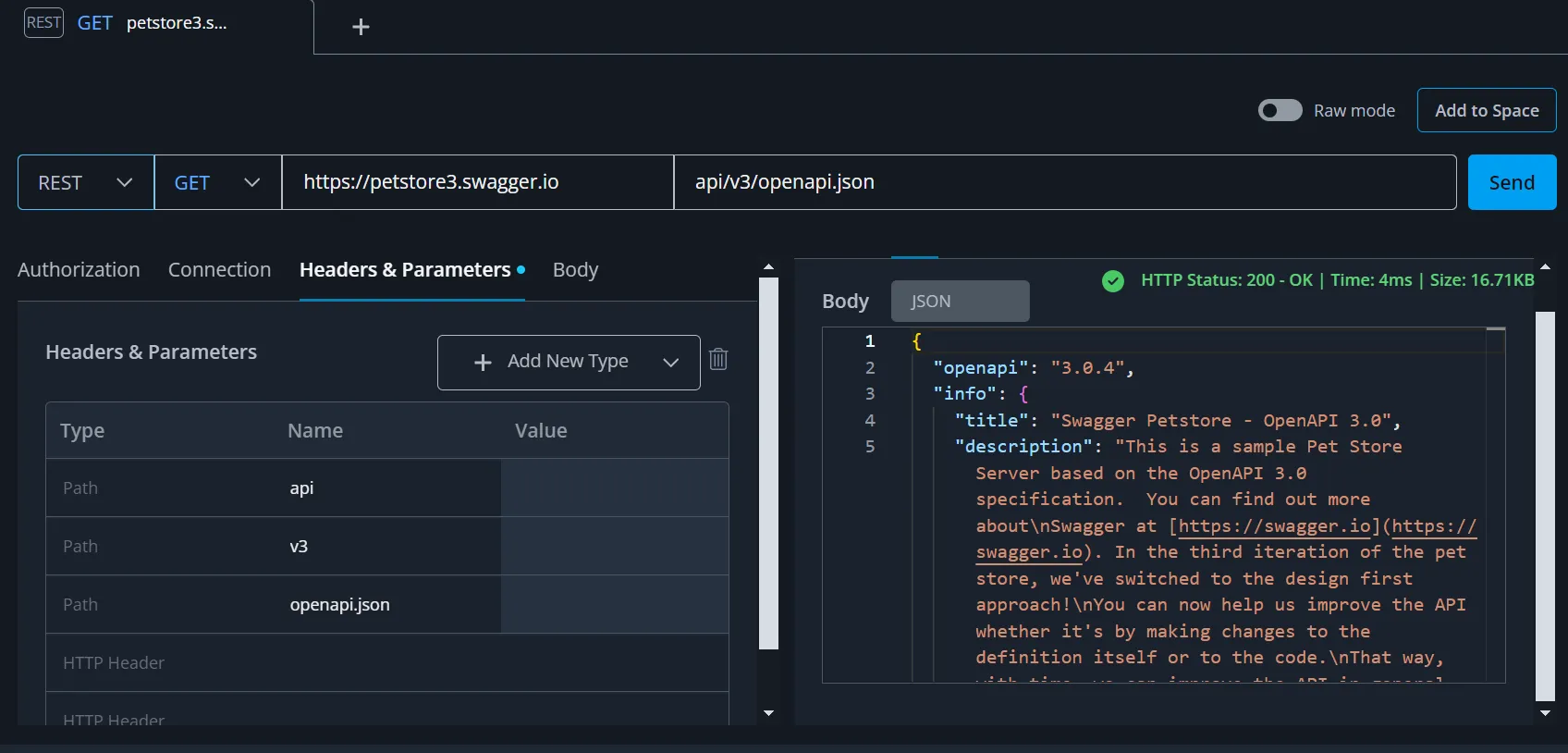
This topic describes a sample Swagger Explore sequence. This example demonstrates how to return the OpenAPI definition for the Petstore API using a REST GET operation. To run this operation:
-
Set the Protocol field to REST.
-
Set the Operation field to GET.
-
Paste this URL into the Server field:
https://petstore3.swagger.io/api/v3/openapi.jsonSwagger Studio Explore parses the URL and automatically updates the Path field.
-
Click on the Send button to make this API call.
-
The return values are shown in the Response section at the bottom of the screen. By default the body of the response is displayed (with colored text for easier reading):
Next Steps
To learn more about Swagger Explore see the following topics: